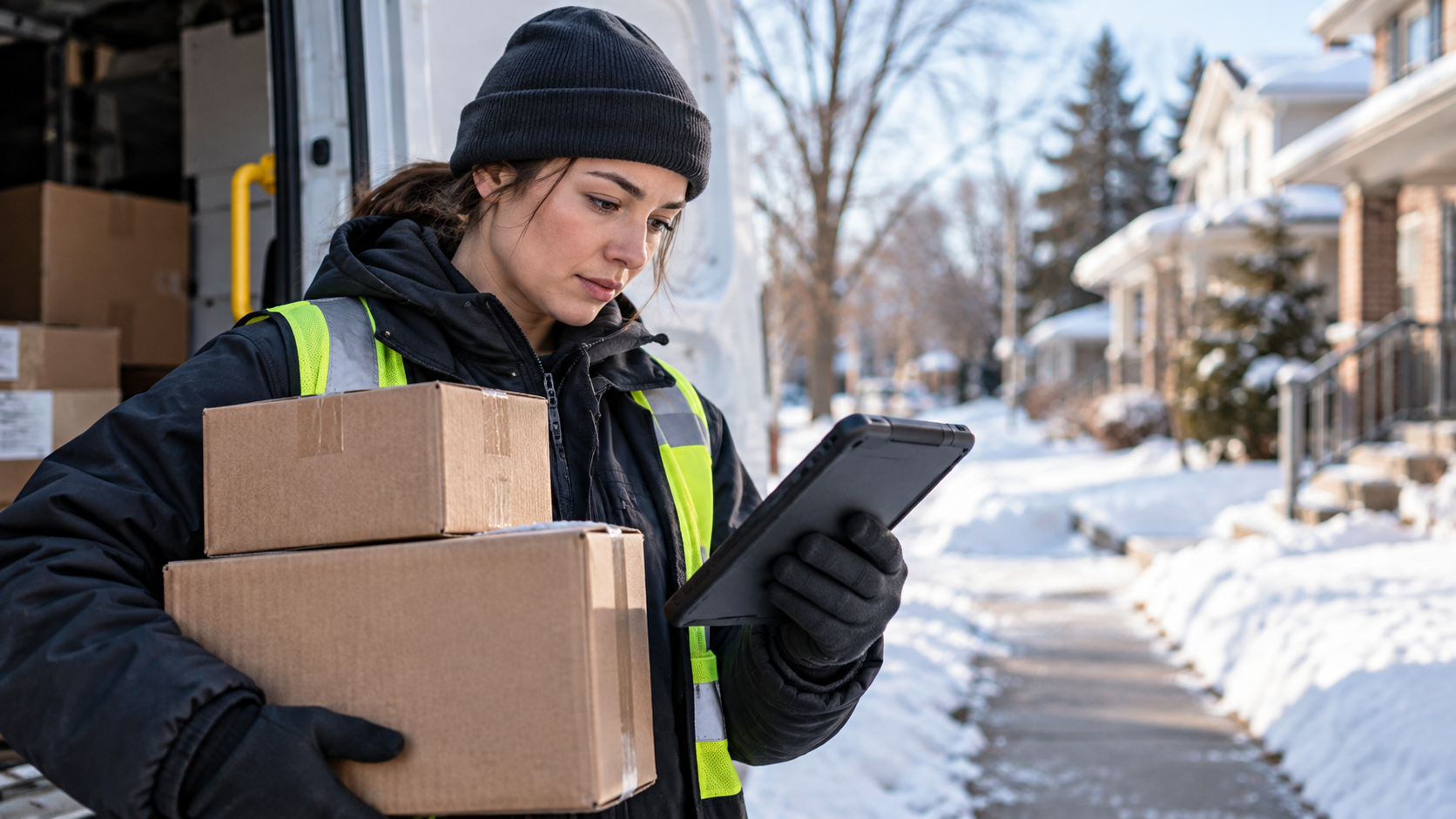
The route app shows two cards for the same building. They have the same street address and appear within minutes of each other. A driver might assume one is a duplicate and dismiss it, or scan the same parcel under both cards to clear the list. Either move can lose a real task or create a false completion. The driver needs to determine what each card represents before acting.
When duplicate stops in a delivery route app appear, compare stop IDs, task types, parcel IDs, recipient details allowed by the workflow, and current status. Two deliveries to one building can be legitimate. One delivery displayed twice can also happen. The address is a location, not a unique identity for the work.
Android's offline-first design guidance describes how apps may reconcile local and network data after a sync gap. It illustrates a possible source of conflicting views, not a diagnosis of this route app. Dispatch or the authoritative route record must establish whether either card is erroneous and what to do with it.
Park for a duplicate stop identity check
A duplicate stop identity check belongs at a safe parked location. Read both cards fully before touching a parcel or scan control. Record the route ID, stop IDs, task type, item IDs, planned windows, and visible status. If the app labels one card pending, canceled or reassigned, preserve that label rather than treating both as active.
Do not compare only the map pins. One pin can represent a loading dock, front entrance or suite in the same building. The screen might group different parcel tasks at one address. Conversely, two pins a few feet apart can be two renderings of the same task. The stable stop and item identifiers are more useful than the visual spacing.
Check whether the app has finished its documented update. A temporary duplicate-looking display during refresh may settle when the route state is current. Do not keep forcing refresh if an event is pending or the app reports a conflict. Note the last visible sync state and contact route support when the cards remain ambiguous.
Compare the parcel IDs, not just the address
Read the item identifier for each card and compare it with the actual labels in the vehicle. If the cards have different item IDs, they may be two separate parcels for the same address. If they share an item ID, that deserves closer review, but still does not tell the driver which card is authoritative. The employer may have split one shipment into different service tasks, or the app may show a stale record.
GS1's traceability guidance explains the importance of distinct identifiers for logistic units and shipment groupings. The driver's company may use its own ID system. The practical point is to use the identifier the route app and parcel label actually assign, rather than guessing from a box's appearance.
A single carton should not be marked delivered twice because two cards name it. A second carton should not be ignored because both carry the same address. Count the physical pieces and match each one to the route's item-level record. If the count or IDs disagree, hold the affected action and report the mismatch.
Check whether the task types differ
The same building can have a delivery and a pickup on one route. It can also have two recipients, different suites, or separate service windows. Read the task type on both cards. A pickup card should not be closed by scanning a delivery parcel, and a delivered item does not automatically satisfy a later return pickup.
If the route lists a delivery to the reception desk and a separate delivery to an upstairs suite, confirm the authorized destination for each package. The cards may share a street address while requiring different proof. Do not combine them into one stop solely to shorten walking time. Likewise, if both cards describe the same recipient, item and task, ask support whether one is duplicated before entering any event.
Look at the item's physical custody. An expected pickup parcel will not be in the vehicle yet; a delivery parcel should be there unless a prior handoff or loading discrepancy explains its absence. That basic distinction often reveals whether the two cards can be independent tasks.
Work through two cards at one building
Imagine route 18 shows stop S-214 and stop S-309 at the same retail building. S-214 is a delivery for parcel P-882 to a staffed desk. S-309 is a pickup for parcel P-941 from a back counter. The driver has P-882 in the vehicle and no P-941 yet. The cards look duplicative on a map, but the stop and parcel IDs, task type and physical load show two legitimate pieces of work.
The driver follows the employer's entry and handoff instructions for S-214, then asks the authorized staff for pickup P-941 under S-309. They complete each card only after the corresponding physical event and proof. They do not scan P-882 under both cards to clear the route.
Change one fact: both cards are labeled delivery for P-882, one open and one already completed. The driver preserves both stop IDs and the existing completion, then asks dispatch whether the open card is a duplicate or a distinct assigned task with an incorrect item link. Change another: both cards have the same item but different recipient names. The driver cannot choose the more convenient name; route support must resolve the identity before handoff. These are hypothetical records.
Protect a completed delivery from a second scan
If one card already shows a confirmed delivery, identify the associated parcel, recipient or authorized location, proof reference and time. Do not repeat the scan under the other card just because it remains open. A second event can misstate the same parcel's route history or trigger an incorrect customer notification.
An open card may be a stale local view, a real remaining task, or a system error. Preserve that uncertainty. The driver can report “S-214 for P-882 is confirmed complete; S-309 also shows P-882 open; no second P-882 remains in the vehicle.” That statement gives support both the digital and physical facts.
If the first card's completion was itself uncertain, reconcile that attempted write before scanning either card. A pending spinner or crash does not prove no write. Do not use the duplicate-looking card as a workaround for an unresolved submission.
Ask dispatch for duplicate route card resolution
A duplicate route card resolution request should include both stop IDs, task types, item IDs, statuses, route ID and physical parcel count. Ask which card is authoritative for the item and how the other will be corrected or retained. Avoid a vague request to “remove one stop” before anyone has checked whether it is real work.
Dispatch may confirm two legitimate tasks, cancel an erroneous card, correct an item assignment, or send the issue to app support. The driver should record the named owner and result. A verbal instruction to ignore a card may not make the app state disappear; ask what route status should be used and whether a later worker will see the same card.
Do not delete, dismiss or mark a card attempted merely to tidy the screen unless the authorized workflow says to do so. The correction should preserve the history of any accepted delivery event and avoid creating a false missed-stop record.
Keep parcels secure during the decision
While the cards are unresolved, keep affected parcels under the employer's custody rules. Do not leave a carton at a nearby door on the assumption that both cards point to the same recipient. If one task is a pickup, do not accept an item without knowing which route entry will represent it, unless the employer has a documented exception process.
The driver may be able to continue unrelated stops if dispatch confirms that doing so will not conflict with the affected route state. Record the held items and their location. A route update can reorder cards while the issue is being resolved; physical custody should remain clear even if the screen moves.
If the shift changes before support finishes, hand off both stop IDs and each parcel's state. “Duplicate stops” alone is not enough. The next worker needs to know whether one parcel was delivered, whether another is still aboard, and whether any scan is in flight.
Distinguish a duplicate card from a new assignment
After a sync gap, an old card can reappear and look new. OG-291 covers the cached-versus-new decision in depth. Here the driver should first verify whether two current cards represent one task or separate tasks. Check assignment owner and update time if the app exposes them, then compare stable IDs. A card appearing later is not automatically a new physical parcel.
If dispatch says one card belongs to another driver, do not perform that task under the current route. Preserve the reassignment identity and confirm the app reflects it before a live scan. If both cards genuinely belong to this driver, continue the item-by-item comparison. Account ownership and task identity must align.
Do not use a screen refresh as a substitute for dispatch confirmation when the identifiers remain contradictory. Refresh may change the display without proving which event the destination holds. The correction must be anchored to the actual stop and parcel records.
Compare the proof each card requires
Two cards at the same address may call for different evidence. One parcel might require a direct recipient signature while another permits an approved receiving desk. One card could be a pickup with a count or condition check. Read the proof instructions after confirming the task IDs. If the instructions differ, that is evidence the cards may represent separate work, though dispatch still owns any conflicting assignment.
Do not use a photo from the first card to close the second. Even if both packages were placed at one authorized location, each item may need its own scan or acknowledgment under the employer's process. If a combined proof is permitted, the app should say how it links to both items. The driver should not invent that link by entering the same image twice.
If both cards demand identical proof for the same item and recipient, the possibility of a true duplicate is stronger. Preserve the exact requirements and ask support to inspect the destination record. A card's appearance alone cannot settle whether the backend holds one task displayed twice or two task records mistakenly attached to one parcel.
Keep the recipient's experience in view. A false second delivery event can produce another notification after the item is already received. A mistakenly dismissed real card can make a second package disappear from the route. The item-level proof requirements help prevent both outcomes.
Check dates and service windows
Addresses repeat across days. An older completed card and a new card for the same place may appear together if the app is showing history and current work. Compare the date, route ID and service window before calling them duplicates. An identical address on Tuesday and Wednesday is not one delivery simply because the map pin overlaps.
Within one shift, a return pickup may be scheduled after a delivery. The later window is a clue, not proof. Read the task type and item ID. A card without a visible window may still be active; ask dispatch rather than assuming the app omitted a duplicate marker.
If the device date or app timeline appears inconsistent, preserve that as a separate clock issue. OG-294 covers time-source reconciliation. Do not manually change the device time to force two cards into different days. The route system should establish which record belongs to which task and when it was assigned.
Record the full date in a support message. “S-214 and S-309 at 47 Main Street” is ambiguous if one is yesterday's completion and the other today's pickup. “S-214 completed yesterday on route 17; S-309 assigned today on route 18” gives support the first boundary to test.
Handle one delivered parcel and one unresolved card
Suppose a driver confirms P-882 was handed to the authorized desk and S-214 shows complete. S-309 also names P-882 but remains open. The driver should keep the accepted S-214 receipt intact and report S-309 as an unresolved card. They should not ask the desk to accept the same carton again, fabricate a second proof image, or mark S-309 “customer unavailable.”
Support may find that S-309 is an erroneous duplicate. It may instead find that the item ID on S-309 was assigned incorrectly and a different parcel is expected. In the second case, the driver needs a corrected item identity and physical load check before performing any new handoff. The distinction cannot be made from the open card alone.
If the driver still has a second carton for that address, preserve its label. Do not attach it to S-309 by convenience. The second carton may belong to another stop or recipient. Ask the route owner to bind the correct item ID. The physical box count helps expose a missing assignment without authorizing a guess.
The report should close each item separately. P-882 has a completed delivery and proof. The second parcel, if any, remains in custody until its task is confirmed. The open S-309 card remains a route issue with a named owner and next action. This separation keeps one resolved handoff from being reopened by a screen defect.
Record the correction after support acts
When support resolves a true duplicate, verify what changed on the route. Did the erroneous card disappear, show canceled, or remain with a note? Did the original delivery proof and timestamp stay attached to the correct stop? A support message saying “fixed” is a prompt to inspect the item-level result, not a replacement for it.
If support confirms two legitimate tasks, check the item IDs and proof requirements on both before resuming. The driver should know which parcel is still in the vehicle or which pickup has not happened. A corrected route list that still points to a missing physical item needs a separate loading or pickup decision.
Preserve the original screen and support answer under company rules. A later shift may see a card change and need to understand why. Do not edit the earlier note to make it appear no duplicate ever showed. The before-and-after record is a small safeguard against repeated scans if the card reappears after another sync.
If the same defect affects later routes, give device or app support the stop IDs, app version and exact sequence that produced it. Do not repeatedly apply a one-off manual dismissal to each card without a shared repair owner. The driver can continue only from a known route state while the technical cause is addressed.
Close the stop with one truthful event per task
The route is ready to continue when each real task has an identified parcel or pickup, authorized location or recipient, and correct status. An erroneous card should have an owner-approved resolution. A completed delivery should retain its original proof, not be replaced by a new scan made to clear a duplicate.
Drivers comparing delivery roles can use the Saint Paul delivery driver Careers hub and published delivery job-offer review guide to ask how route discrepancies are resolved. On a live route, compare stop, task and parcel identities, keep the physical load accounted for, and ask the route owner to resolve any true duplicate before another write. Two cards at one address are a question to answer, not a reason to scan one parcel twice.