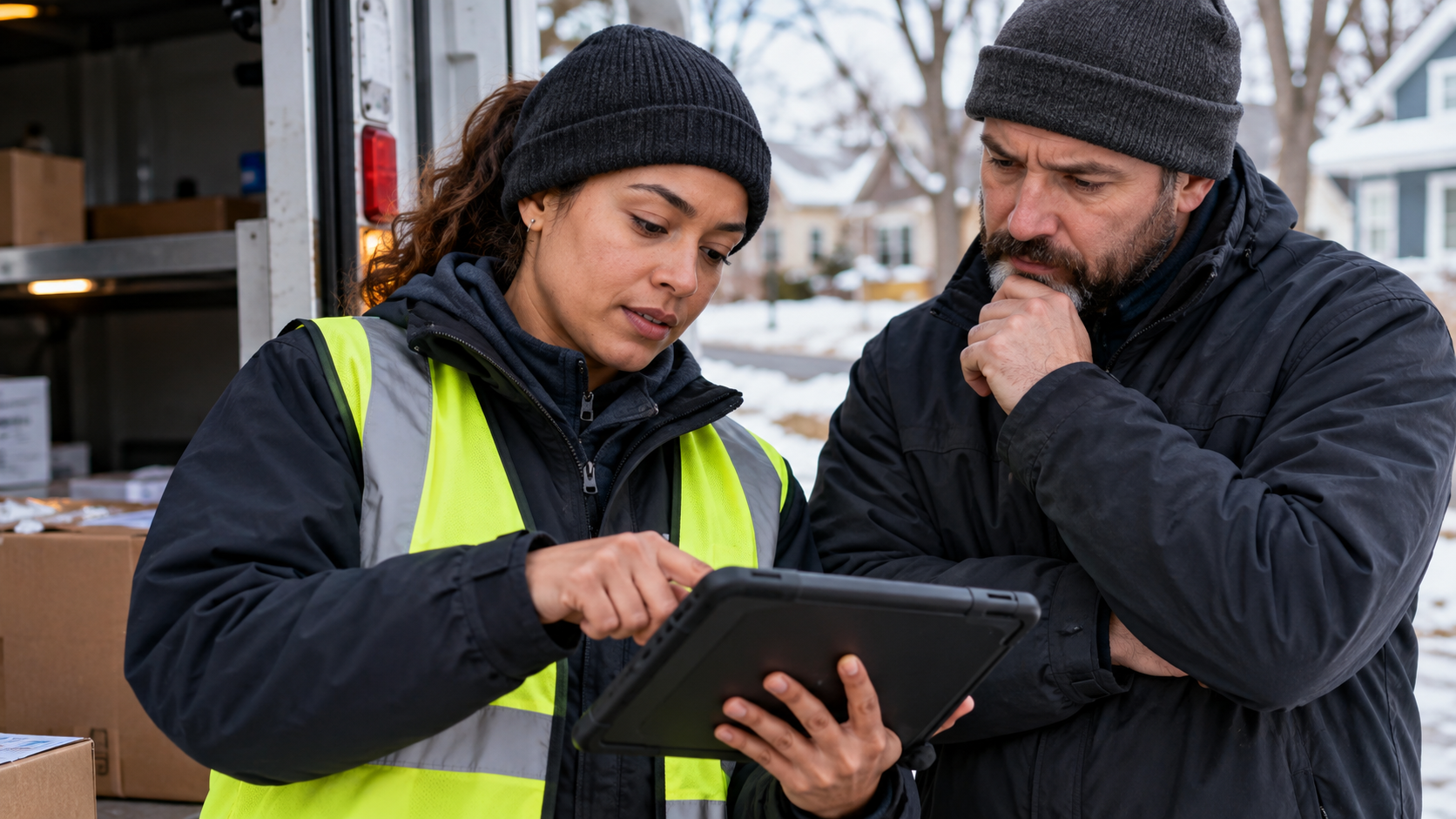
A supervisor tells a driver that a completed-delivery scan from Tuesday was “wrong” and asks for an explanation by the end of the day. The driver remembers a normal handoff at that address but has not seen the event the supervisor means. Replying from memory could miss that the feedback refers to a different parcel, a sync timestamp, or a later correction. The driver needs the exact record before agreeing or disagreeing with the claim.
To inspect a disputed delivery scan before responding to performance feedback, ask for the event identifier and the specific concern. Compare the assigned route, parcel, stop, event time, device or account, and any later status change with what physically happened. Use the employer's approved records and protect customer information. Then answer the supported facts, name any uncertainty, and ask for the correct repair owner if the event itself needs correction. A careful response is faster than arguing about a label that may describe another event.
Minnesota's personnel-record review statute and disputed-record provision may be relevant when feedback becomes part of a formal personnel record, depending on the facts. They do not decide whether a parcel was delivered. The employer's route data, actual handoff, device history, and current correction policy are the immediate evidence for this question.
Identify the disputed delivery scan
A disputed delivery scan should be identified by more than a date and street name. Ask for the event ID or employer-approved reference, route ID, parcel identifier, stop, event type, and time zone used in the display. A driver may have served several items at one building. A “delivered” event for one package and an “attempted” event for another cannot be evaluated as if they were one scan.
Find out what the supervisor disputes. Is the complaint about the event type, timing, recipient, address, proof step, or whether the package was physically handed over? “The scan is wrong” is too broad to answer. A precise claim directs the driver to the right evidence. A customer may be disputing receipt, while a quality team may be flagging an event sequence that looks inconsistent. Those are related but not identical questions.
Do not assume the latest dashboard status is the original event. A correction, return, duplicate event, or sync delay may have changed what the screen shows. Ask whether the supervisor is looking at the raw event, a summary, or a later review finding. Keep the original event identity intact while investigating.
Collect performance feedback evidence without oversharing
Relevant performance feedback evidence can include the exact manager message, route assignment, device event, approved delivery proof, and any correction or support ticket. Use only the records you are allowed to access. A driver should not download an entire customer manifest or forward private delivery details to a personal email merely to defend one scan.
Ask the reviewer to share the event through the employer's secure work channel. If a screenshot is needed, limit it to the relevant fields and protect other customers' information. A message that says “you scanned too early” should be paired with the timestamp and what the reviewer believes the actual handoff time was. The driver can then compare that claim with the device and stop history.
Keep notes on what each source proves. A route assignment shows which work the driver was scheduled to serve. A scan log shows what the device recorded. A customer message describes a later report. None alone necessarily proves the physical handoff. The driver should not collapse them into a single assertion before checking whether they agree.
Compare event time with sync time
Devices can record an event while offline and send it later. If the employer's system exposes both local event time and server receipt or sync time, identify which one the feedback uses. A late sync can make a delivery look as if it happened after the driver left the area, even when the physical handoff occurred earlier. The driver should not claim that is the cause without the actual device record, but it is a reason to ask.
Likewise, an event entered late after a real handoff is different from an event performed at the moment of service. The driver should state the actual sequence. If the employer required an immediate scan and the driver delayed it, acknowledge that process issue even if the parcel reached the right recipient. A correct physical delivery does not automatically make every record step correct.
Check time zone and clock display when records come from more than one system. A route app, support dashboard, and customer notification may show different display formats. Do not change timestamps in a personal worksheet to make the story fit. Ask the system owner to explain the fields and preserve the raw values.
Match the scan to the physical parcel event
Reconstruct what happened at the stop: which parcel was selected, where the driver parked, what access was available, whether a recipient or approved location accepted the item, and when the driver left. Use the employer's delivery-proof method. Do not invent a signature, photo, or witness to fill a gap in the app. If memory is uncertain, say so and rely on the records that exist.
If multiple parcels were handed over, look at each identifier. A scan for package A may be correct while package B remains in the van or was attempted. A reviewer may see a cluster of events and assume they share one result. The driver's response should distinguish them. The goal is not to defend every action from the route, only the particular disputed event.
If the parcel was transferred to another worker before the stop, inspect the handoff record. The scan might be attributed to the original route even though the recipient completed the service. That is an account or custody issue requiring employer reconciliation. The driver should not claim delivery credit or fault solely from the current dashboard name.
Work through a same-address example
Imagine a driver delivers two parcels to an office building on Tuesday. One is accepted at the staffed desk and scanned delivered. The other requires a different recipient who is unavailable, so the driver records an attempt and keeps that parcel. On Thursday, a manager says “your Tuesday delivery scan at that office was wrong.” The driver asks for the parcel identifier and event type before responding.
The manager's screenshot shows a completed event for the second parcel, not the first. The driver compares the route history and finds that the second event was entered after a device reconnect, while the physical item remained in the van and was later returned. The driver reports the factual custody and asks support to investigate the incorrect completed event through the approved correction path. They do not deny the problem simply because one parcel was genuinely delivered to the same building.
Change one fact: the screenshot is for the first parcel, and the event, recipient, and proof agree. The driver can respond with those facts and ask which remaining concern the manager wants addressed. Change another: the driver actually tapped delivered for the second parcel by mistake. The appropriate response is to acknowledge the error and request correction, not to create a false later attempt to hide it.
Separate the feedback from a customer dispute
A customer may say a parcel was not received. The customer-service team may then ask the driver for details. Another supervisor may use the same case to give performance feedback about scan procedure. The driver should answer the factual delivery question through the designated service channel and the performance question through the work channel. A single informal reply to a customer does not necessarily correct the route event or personnel feedback.
The customer-dispute guide owns the direct response when a person challenges a completed delivery scan. This article begins when the worker is asked to evaluate a scan as part of feedback. The response should address the specific evidence and any process lesson, without speculating about theft, a customer's motives, or a coworker's conduct.
If the manager has not shared the underlying customer report, ask for the part needed to answer the claim under privacy rules. The driver may not be entitled to every private detail. They do need to know which event is disputed and what operational fact the reviewer wants explained.
Respond with facts, uncertainty, and the next owner
A useful response has three parts. First, identify the event reviewed. Second, state what the records and the driver can support. Third, name any remaining issue and who can resolve it. For example: “I reviewed event 123 for parcel A on Tuesday. The route log shows a delivered scan at 2:14 and the desk handoff record names the receiving location. I cannot confirm from my access whether the image synced; please have device support check that field.” This is a structure, not a script for every employer.
Avoid a defensive claim that everything was correct before inspecting the event. Equally, do not accept a conclusion of misconduct from a single ambiguous dashboard label. If the driver made a mistake, state it plainly and use the approved correction process. If the records conflict, say which fields conflict and ask for review. Precision allows the manager to act.
Do not edit the original event in a way that hides the initial record. An authorized correction should leave a trace of what changed and why. Keep a copy of the feedback and response in the employer's allowed system. If the issue becomes formal personnel feedback, the record-access rules may matter; seek case-specific advice rather than assuming a route screenshot itself determines a legal right.
Read proof fields without making them prove too much
Some workflows record a photo, recipient name, geolocation estimate, or signature. Each field has limits. A photo may show a package at a location but not whether an authorized person later took it. A name typed on a device may identify the person who accepted the handoff, but it should be checked against the employer's process for that service. A location estimate may be imprecise near a large building. The driver should describe what each field actually shows rather than using one artifact as absolute proof of every step.
If the feedback concerns a missing proof field, determine whether the field was required for that stop and whether the device attempted to capture it. A missing image can be a process omission, a sync failure, or a workflow that did not request one. Ask support for the event history before asserting which explanation applies. Do not create a new image after the fact and present it as contemporaneous proof.
If a customer-facing message conflicts with an internal event, ask which system generated it and when. A notification can be delayed or based on a summary state. The response to performance feedback should identify the source of the conflicting information, not assume the customer or the driver fabricated it. The authorized team can then reconcile the message with the route event.
Respond when evidence is missing or inaccessible
A driver may not have permission to view the device log or customer case. Say what you requested and what you can verify from your own route records. “I can see the stop and scan type, but I cannot see the sync audit or image referenced in the feedback” is a useful limitation. Ask the reviewer to have the authorized owner inspect the missing field. Do not guess at unseen evidence just to meet a reply deadline.
If the employer sets a response deadline, send a timely factual interim response and name the pending record. The driver can explain the known event and ask to supplement the answer when support provides the log. A brief interim note is better than an unsupported confident denial. Keep a copy of the request and response through the employer's approved channel.
If records were lost, preserve that fact too. A device replacement, expired portal access, or system outage may explain why a field is unavailable, but it does not prove the original delivery was correct or incorrect. The review owner should weigh the remaining evidence and avoid treating absence of a screenshot as evidence of misconduct by itself. The driver can provide a careful timeline without creating a replacement record that pretends to be original.
Ask which correction belongs to which owner
Device support may fix a sync or account attribution issue. Dispatch may reconcile route ownership. Customer service may update a delivery case. A supervisor may correct or withdraw performance feedback after the event is resolved. One team cannot necessarily complete all four steps. Ask for the owner of the specific unresolved field.
If the raw scan is wrong, use the employer's scan-correction process. If the scan is right but the feedback summary is wrong, ask the manager to revise the summary. If the customer-facing status remains inaccurate, the service team may need to update it after the internal event is corrected. A ticket marked “closed” in one system does not prove the other records now agree.
Keep the identifiers linked across the requests: event ID, case number, route date, and feedback reference. Avoid sending the same broad complaint to multiple teams without a clear question. A concise cross-reference helps an owner see how a technical repair affects the review.
Check a correction against the original event
After support acts, inspect the corrected status and the retained original event if access permits. Did the correct parcel and route change? Was the correction applied to the right time and worker? Did the customer-facing display update if that was part of the issue? A generic “fixed” message may not answer those questions.
If the correction confirms the driver's response, ask the supervisor whether the feedback will be updated. If it confirms an actual process mistake, ask what training or practice change is expected. A worker can learn from a real error without accepting unrelated criticism based on a different parcel.
If the result remains uncertain, do not present it as cleared. State what is confirmed and what support is still investigating. A truthful open issue is better than a confident conclusion that collapses when a later record appears. Keep the response aligned with the evidence available at that time.
Use the next route to prevent the same ambiguity
After the case, identify one process point the driver can control. If wrong-parcel selection caused the issue, verify identifiers at the stop. If a scan was entered after leaving, use the employer's required real-time method. If the device repeatedly fails to sync, report the equipment fault before it affects more stops. The improvement should address the actual cause established by the review, not a generic promise to “be more careful.”
Some causes are shared. A route app that assigns events to the wrong account needs a system repair. A customer receiving desk with inconsistent procedures may need an approved note. The driver can report the observation but should not improvise a private workaround that creates new inaccuracies.
Applicants can ask how delivery employers review disputed scans and whether workers can see the event before responding. The Saint Paul delivery driver Careers hub offers local role context. The published delivery job-offer review guide can help candidates ask about route tools and supervisor support. Active drivers should use their employer's actual review and correction channels.