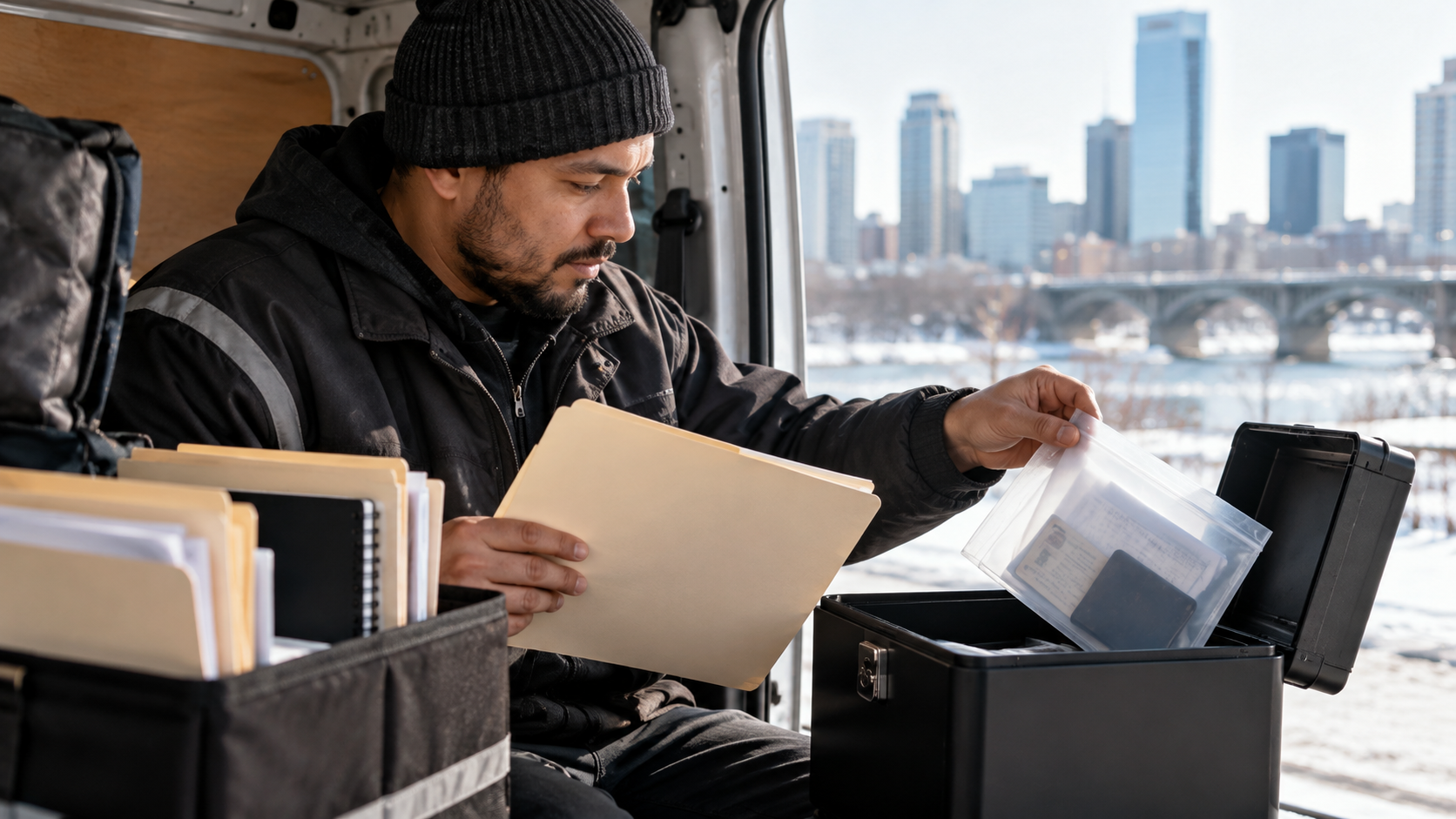
Applying for several Minnesota delivery jobs creates a useful trail: postings, completed answers, receipts, recruiter messages, and sometimes copies of documents. Keeping that trail helps you answer later questions, but it can also scatter personal information across email, downloads, shared folders, and old links. Minnesota delivery driver application record privacy starts with separating ordinary application evidence from sensitive files and choosing a deliberate sharing route for each request.
You do not need to keep every document in one bundle or forward the whole bundle whenever an employer asks a question. A receipt number may be enough to locate an application. A résumé may answer an experience question. A license image, identity document, or financial detail belongs in a different category and should be supplied only when the verified employer process actually calls for it. This guide is about that storage and access decision; it does not replace the employer's instructions for a particular stage.
Build a private application archive by role
A private application archive can be a simple folder structure or a note with links to files you control. Give each employer and opening its own entry: employer name, role title, location, requisition number, application date, and portal address. Store the posting version, submitted answers if available, confirmation receipt, and later messages under that entry. CareerOneStop recommends keeping completed application information, and a role-specific archive makes that advice usable when you have several applications at once.
Use names that tell you what a file is without putting sensitive details in the file name. “Saint-Paul-driver-204-receipt.pdf” is more useful than “scan1.pdf.” Avoid naming a file with a full license number or Social Security number. A file name may appear in a download list or shared link even when the document itself stays private.
Keep the archive in a location that only you or an intentionally chosen helper can access. A personal account with a private folder is different from a publicly shareable link or a family computer's common Downloads folder. Check the actual sharing settings. The label “private” in your own folder name does not change permissions.
The archive should answer practical questions: which application did you submit, what did you send, and where is the receipt? It should not become a second collection of every identity document you possess. A short index can point to a protected document location when a later stage truly requires it.
Separate routine records from sensitive documents
Routine application records include the posting, résumé version, cover letter, submitted answers, confirmation number, and communications about next steps. These may still contain personal data, so keep them private, but they are the ordinary evidence you may need to refer to during a search. Sensitive documents warrant tighter handling: license or identity images, work-authorization documents, background-check forms, bank details, and anything that exposes a full personal identifier.
Create a separate location for the sensitive category rather than attaching those files to every role folder. A role entry can say “license document requested through employer portal on [date]” without storing the license image beside a receipt that you might later forward. This lowers the chance that a quick share of the application folder includes more than you intended.
Read what the employer actually asked for. A posting that asks whether you hold a qualifying license is not necessarily asking for a license scan with the initial application. Keep the document-stage instructions with your record so you can limit access to each copy while you move through the process.
Do not include passwords, verification codes, or complete financial information in the archive. Those are account or payment credentials, not ordinary job-search notes. If a later verified hiring process calls for financial details, follow its authorized channel rather than adding them to a general application folder.
Make sensitive document sharing an explicit decision
Before sensitive document sharing, answer four questions: who requested the file, for which opening, at what stage, and through which verified route? The FTC warns that job scammers seek personal information and money. A message that names your job title can still be misleading. Confirm the request through the employer's official portal or known careers contact when the route is unexpected.
Share the specific file requested, not an entire folder. If an employer asks for a résumé, send the résumé version tied to that role. If it asks for a license image through a verified process, supply that file according to its instructions. Do not attach unrelated identity or banking documents “in case they help.” More information can create more exposure without answering the actual request.
Check the recipient and the access setting immediately before sending. A link that says “anyone with the link can view” may be broader than the private route you intended. A shared folder may expose other applications as well as the one file named in your message. If the employer offers a secure upload area, follow its directions; do not assume an ordinary email attachment is an acceptable substitute.
Keep a small sharing record: document, recipient or portal, role, date, and the wording of any receipt. “Uploaded to my account” is different from “attached to application 204” or “requested by recruiter for onboarding.” Write what the system actually confirmed, not what you hope it did.
Verify the request before opening a new route
An unexpected email may say that your driver application is incomplete and require a document within an hour. Pause long enough to compare it with the employer's official instructions. Does the message identify the right role and application ID? Does the known portal show the same request? Can the employer's published contact confirm it? The FTC's job-scam guidance supports using an independent verification route rather than relying only on the message that made the request.
If the request is legitimate but the link is unfamiliar, ask the employer how to reach the upload through its official site. A support reply from a verified channel can also clarify which document is needed and whether a partial copy is acceptable. Do not use a random file-transfer service just because it is easy. You need a route that connects the document to the right hiring record and limits access appropriately.
If the sender asks you to pay to process an application or provide bank details before a plausible hiring step, stop and verify. A payment demand is not made safe by a polished logo or a copy of a real posting. If the employer says the request is not theirs, preserve the message and follow the FTC's reporting guidance. Avoid forwarding the suspicious link to other applicants as if it were a job lead.
Verification is not a promise of employment. It establishes that a document request came through the intended employer's process. Keep later screening, interview, and offer communications separate from the file-sharing record.
Use access settings you can explain
If you use cloud storage, inspect who can open each folder and link. A file in your account may be private until you create a share link; a link may then remain accessible longer than you expect. Some services let you invite named people, restrict downloads, or set an expiration. Use only features you understand and can verify. Do not assume every platform applies the same defaults.
If you use a local computer, check whether it is shared and whether the folder syncs automatically to another account. A file saved under Downloads can be easy to find and easy to attach accidentally. Move your job-search records into a deliberate private location and keep sensitive files separate. On a shared device, sign out of portals and avoid leaving document previews open for the next user.
Keep a short access note for important shares: which document, which employer contact, and whether the link is still active. You do not need to publish this note or attach it to an application. It is for your own ability to answer “who can see this file?” If the answer is unclear, inspect the current sharing settings before using the link again.
Technical settings cannot fix an incorrect recipient. A perfectly restricted link sent to the wrong person still shares the file with the wrong person. Check the address, domain, and role context as carefully as the link permission. The applicant communication FAQ covers broader contact choices; apply those checks before sending sensitive material.
Keep receipts without copying entire forms everywhere
Many application questions can be resolved with a role-specific receipt or a short excerpt. If an employer asks which application you submitted, provide the requisition and confirmation number rather than forwarding your whole saved form. If it asks about a work-history date, answer that field accurately and use your private copy to check it. Retaining an application copy does not require distributing it broadly.
Screenshots can be helpful, but they may include an address, birth date, account email, or navigation details unrelated to the question. Crop or redact only the unrelated information when sharing a copy for troubleshooting, while keeping the untouched original privately if you need it for your own record. Do not alter the relevant receipt text or identifier in a way that changes what the evidence shows.
Separate a document you intend to share from the archive copy. A share-ready version might include only the page or field the recipient needs. Label it so you do not mistake it for the complete original later. If a portal requires the unmodified document, follow that requirement through the verified route rather than improvising an edited copy.
CareerOneStop's recordkeeping advice is useful because it lets you answer questions without guessing. The privacy benefit comes from using that record narrowly. Your private archive is a reference point, not a package that must accompany every email.
Set boundaries when someone helps you apply
A friend, career coach, or family member may help you compare postings or proofread an answer. Decide what that person actually needs. They may be able to review a role description and a draft paragraph without seeing your license image, full address, or portal password. Send a copy of the relevant text rather than granting access to the entire archive. If you choose to share a folder, inspect its contents and permissions before inviting anyone.
Keep account access with you. A helper can point out an error, but you should review the final form and submit it through your own authorized account. Do not send a verification code to a helper or recruiter so they can log in as you. If you need accessibility or application assistance, use the employer's stated support route and ask what assistance it permits. Your record should make clear which answers you approved and which documents you personally sent.
After the help is finished, review any temporary share link or folder invitation. If you still need the person to view a draft, keep the access narrow. If you no longer need it, change the setting through the service you used. The purpose is to match access to the actual task, not to treat every trusted person as a permanent recipient of every future application record.
Respond to a mistaken share without hiding it
Suppose you send a folder link and then realize it exposes another employer's application or a sensitive document. Stop using the link and check its current permissions. If you control the share, restrict or remove access using the storage service. Record when the link was active, who received it, and which files were visible. Do not assume that changing access retrieves copies someone already downloaded.
If the wrong employer or contact received the file, a short corrective message can identify the error and ask the recipient to disregard or delete the unintended material, where appropriate. Avoid forwarding more sensitive files in the correction. If the exposed material includes an identity document or financial information, consider the specific protective steps suitable for that information and seek guidance from the relevant provider or authority. The response should match what was exposed, rather than treating every mistaken résumé share as an identity-theft event.
Preserve your own record of the original message and the correction. Do not quietly alter the archive so the mistake is no longer visible to you. A clear before-and-after account helps you avoid repeating the same broad-share setting. For the next employer request, create a fresh, narrow share or use the employer's verified upload route, then check what the recipient can actually open.
Use a worked example across two driver applications
Imagine you apply for two Minnesota delivery roles. One employer asks only for a résumé and contact information. Another later asks for a license image after arranging a screening conversation. Your archive has two role folders with separate postings, submitted résumé versions, and receipts. The license image stays in a more restricted location until the second employer's verified portal requests it.
When the first employer asks for your application ID, you reply with the ID from its receipt. You do not attach the second employer's document request or a folder containing both applications. When the second employer sends an upload link, you check that the link is available from its known portal and that the request is tied to your role. You upload the requested file, save the upload confirmation, and note whether it says the document was attached to that application.
Now suppose a third message arrives claiming to be from the second employer and asks for bank details by reply email. The earlier legitimate upload does not authenticate this new request. Verify it separately through the known portal or contact. This hypothetical example shows why storage, sharing, and request verification should remain distinct actions.
If you discover that a link you created exposes the entire archive, change its access setting and record what was shared. Then send the employer a narrower route for the requested file if needed. Do not assume the broad link was harmless simply because the recipient was a recruiter; it may include unrelated personal information and other employers' records.
Review what you still need to keep
Periodically scan the archive for duplicate downloads, outdated résumé versions, and old share links. Keep the versions and receipts that explain what you actually submitted. Make decisions about other files according to your own retention needs and any applicable employer instructions. Do not erase a submitted version merely because you later improved your résumé; that earlier version may be needed to answer a question about the application.
Check active share permissions during that review. An old link may still allow access after the hiring conversation ended. If you control the link and no longer need it, adjust access through the storage service. If the employer holds a copy you submitted, changing your own link may not remove its copy; do not promise yourself that it does. Your record should distinguish files you control from materials already sent to a destination.
If a role is still active, make sure you can locate its receipt and current contact thread quickly. If a role is closed, keep a concise record of what happened rather than a sprawling set of duplicate screenshots. A smaller, organized archive is easier to inspect before you share anything.
The Saint Paul delivery-driver careers hub may lead to new openings. Create a separate role entry for each, then use the same storage decision: preserve the evidence you need, hold sensitive documents separately, and share only through a verified request. The archive stays useful because it is specific, private, and clear about what left your control.