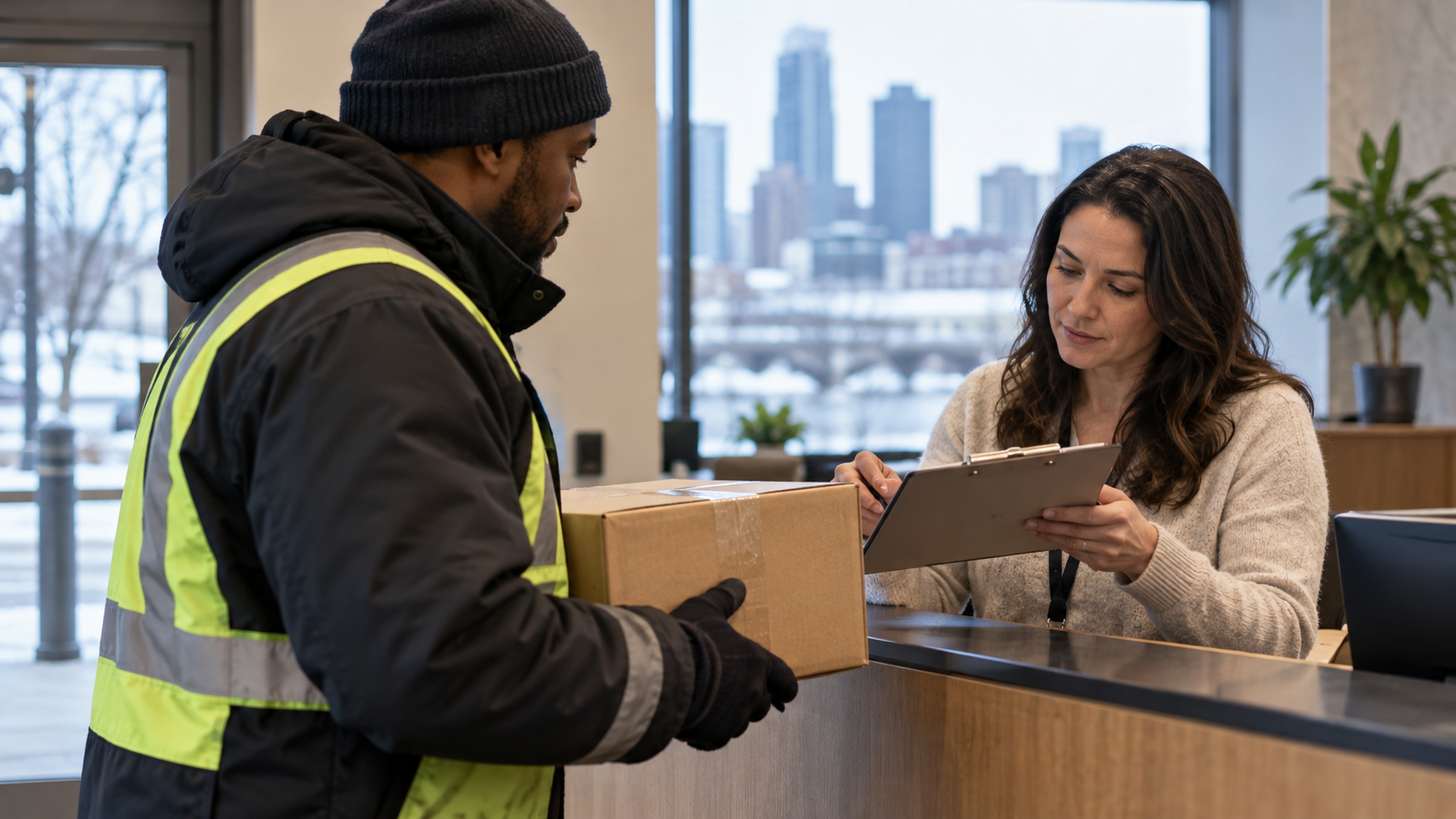
The app shows “Delivered” at 2:18 p.m. A recipient later says the parcel never reached their desk. The timestamp tells you a delivered event was recorded; it does not, by itself, tell you who took the item, where it was placed, or whether the shipment's release conditions were met. A Minnesota delivery driver delivered scan versus handoff check compares the system event with the physical transfer and the proof required for that parcel. Treat each as a separate fact until the records line up.
Drivers often make a scan at the handoff, and a correct scan can be an important part of the delivery record. Still, a phone can be on the wrong stop, a code can be selected early, or a location field can be too broad. A signature, locker acceptance, staffed-desk receipt, or authorized drop photo may supply detail that the status word lacks. Your employer defines which proof methods are allowed for each shipment. This guide helps you ask what a record actually establishes without inventing those rules.
This article focuses on interpreting an existing delivered event against handoff evidence. A later guide covers how to record a package location using approved proof methods; another covers correcting an accidental scan. Here the immediate question is whether the status event and the observed custody change describe the same delivery.
Read the delivery scan status as an event
A delivery scan status is a system entry with a label, time, parcel identity, and perhaps a location. Look at what the app actually records. Some screens show only “Delivered.” Others include a stop ID, GPS location, recipient name, scan source, photo, or signature. Do not assume those fields exist or were completed merely because the summary says delivered. Open the detail allowed by your role and keep the exact event identity when asking support to review it.
Check whether the event was created from the parcel barcode, a stop-level button, an automatic workflow, or a later manual entry. A stop-level completion may cover several parcels. If one item remained in the vehicle, the stop's delivered label could be misleading for that item. If the app shows a photo, check that it depicts the correct parcel and the permitted drop point. Do not use another parcel's evidence to fill a gap.
Time is useful but limited. A 2:18 timestamp can identify when the device recorded the event. It may differ from when the parcel was physically placed or when a network connection uploaded the data. Ask what the system's time represents before treating a minute difference as proof of a mistake. Conversely, do not move a timestamp to make it agree with a story. Preserve the original event and the actual sequence you remember.
USPS's Tracking Basics FAQ explains that tracking can include delivery or attempted-delivery information, date and time, and a delivery location when available. That describes a particular carrier's service. It illustrates why a status label may be accompanied by more detail, but it does not determine what your employer's app captured or whether the parcel reached an authorized person.
Check handoff confirmation against the physical transfer
A physical handoff occurs when the parcel moves from the driver's custody to the permitted person or location. The exact permitted point depends on the shipment and employer instructions. It might be a named recipient, a staffed receiving desk, an approved parcel locker, or an authorized unattended location. Describe the transfer as it happened: who took the parcel, where it was placed, and what the driver did before leaving.
A handoff confirmation is the record that supports that transfer under the shipment's rules. It might be a signature, desk receipt, locker acceptance, or approved location record. Check which parcel it identifies and whether it was completed after the actual transfer. A confirmation field filled in before the receiver accepts the item cannot supply a missing handoff.
If a receptionist accepted the parcel, note the role or name required by your proof process. If the driver placed it in a locker, note whether the locker system accepted it and issued confirmation. If the driver left it on a shelf under an approved drop instruction, name the precise shelf or room as allowed. A broad statement such as “at building” may be too weak to locate the parcel later. Do not claim a recipient handoff when the item was left unattended.
The status event and physical handoff can occur in either order during a workflow. Some apps prompt a scan before a signature; others record completion only after the proof is entered. Follow your employer's actual sequence. A preliminary barcode scan or arrival event should not be treated as the final handoff if the parcel remains with the driver. When a workflow is interrupted, tell support where the parcel is before deciding what the status should become.
The USPS proof-of-delivery FAQ describes a specific proof document for eligible signature services with delivery information and an image of the recipient's signature. That example shows how proof can contain details beyond a tracking label. It does not mean every delivery requires a signature, and it does not make a signature image the only valid proof for another carrier.
Match the proof to the shipment's release rule
Read the requirement attached to the actual parcel. If a signature is required, a photo of an unattended package may not satisfy it. If the shipment permits a designated safe drop, a signature may be unnecessary, but the location and photo or scan fields may still matter. If an authorized parcel room has a check-in process, completing that process may be part of the handoff. Do not copy the proof method from a similar parcel without checking this one.
If the proof field names a recipient, confirm that the person actually accepted the item and meets any applicable restriction. A person standing near the correct desk may not be the authorized receiver. A guard who opens a gate may only have permitted entry. A signature entered by the driver or a name selected from a list without a handoff does not turn the event into delivery. Use the employer's exception process when the required receiver is unavailable.
If the proof is a photograph, evaluate what it can and cannot establish. It may show a parcel at a doorstep or within an approved room. It may not show that a particular person later took it or that the location was authorized. Follow privacy and site rules; do not include unnecessary personal information in the image. If a photo cannot be taken under the rules, ask what alternate proof the employer accepts. The visible content must truthfully correspond to the actual location and parcel.
For a locker, the device may show a compartment assignment and acceptance result. A parcel placed near an open locker is not the same as one accepted and secured by the system. If the locker fails after the driver marks delivered, follow the correction process while the item is still traceable. Do not assume an app's “success” animation reflects the building locker's separate state unless the systems are actually linked.
Compare the parcel identity and stop identity
At a multi-piece stop, match the barcode or parcel identifier to the delivered event. A stop can be complete in the route app while one carton remains in the vehicle. A driver may scan two parcels at the same address but hand one to a receptionist and leave the other for a named tenant. The proof for each item must reflect its own release condition. Do not let a stop-level label erase a parcel-level difference.
Check the address, unit, recipient, and any reference number available in the employer's system. A similar street number or adjacent suite can make an apparently valid scan attach to the wrong stop. If the device displays the wrong stop, do not proceed by memory and plan to fix the record later. Confirm the correct stop before the handoff or ask support how to handle a mismatch. A separate guide addresses that device problem in detail.
If a package has been transferred to a different authorized person or location than the original instruction named, preserve the approval that allowed the change. A recipient's message, dispatch direction, or site policy may be relevant, but the driver should not create a new recipient name after the fact to make the scan look ordinary. Record the actual handoff and its authorization through the employer's accepted method.
The USPS package-status FAQ lists separate statuses for delivered, delivery attempted, and no access. Those distinctions are carrier-specific, yet they show why a convenient status word cannot substitute for the observed event. If an access barrier prevented any authorized transfer, a delivered label needs correction under the employer's process.
Distinguish a system acknowledgement from a receiving acknowledgement
An app can confirm that it saved or uploaded an event. That acknowledgement is about data transmission. A receiving desk's signature or a locker's acceptance message is about a parcel entering someone else's custody. The two may appear close together on a screen, but they answer different questions. When the app says “saved,” ask what data was saved. When a desk gives a receipt, ask which parcel and quantity the receipt covers. Neither signal should be stretched beyond its own scope.
A proof record may also be partial. A photo might show the parcel on a counter before anyone accepted it. A signature may identify a person who received one carton but not the second. A GPS point can place the device near the building while the handoff occurred at a different entrance. Examine the fields together. If the proof does not cover the shipment's condition, ask for the permitted next step while the driver still knows where the item is.
Recipient acknowledgement is another possible layer. A message saying “I found it” can resolve a location question later, but the absence of such a message does not by itself show that the original handoff failed. A delivery may be validly left at an authorized location before the recipient sees it. Conversely, a recipient's “thanks” text may refer to one parcel while another remains undelivered. Match the communication to the parcel identity and release rule rather than treating any positive reply as universal confirmation.
The comparison matters most when an exception occurs. If a desk refuses the item after a delivered scan, the system event and custody diverge immediately. If a locker times out after an app photo, the photograph does not establish secure acceptance. If the recipient later cannot find the parcel, the existing handoff record provides a starting point for investigation, not an automatic answer. Write down what each record proves before deciding which one needs correction.
Compare sequence when the workflow is interrupted
Reconstruct the order of actions from the driver's account and system details: barcode read, arrival, recipient contact, physical transfer, proof entry, and final status. An interruption can split them apart. A driver might scan the barcode, receive a dispatch call, and resume at the wrong stop. Another might hand over the parcel but lose connectivity before the app uploads the completion. Do not fill the gap by assuming the scan and transfer happened together. Ask which actions can be independently confirmed.
If the parcel is still with the driver, that current custody fact has immediate practical value even if the event history is complicated. The driver should tell support and keep the item secure while the status is reconciled. If the parcel is with a receiver, identify that receiver and the basis for the handoff. The details of how to reverse or amend a mistaken scan belong to the employer's correction procedure; this article's task is to make the mismatch legible so that procedure can target the right event.
Avoid creating a second delivered event as a shortcut when the first event is uncertain. Duplicate completions can make it harder to tell whether there was one handoff, two parcels, or a reattempt. Preserve the first event ID and ask the system owner how it should be reconciled. If the device was offline, note whether the visible time is the event time or upload time. A small clock difference should be explained by evidence, not repaired by editing dates until they look tidy.
Use a worked example with different evidence
Suppose a driver scans a parcel as delivered at 2:18 and places it with a staffed desk at 2:20. The desk signs the approved receiving record, and the app links that record to the parcel. The two-minute difference may reflect the workflow rather than a false delivery. The driver can explain the sequence if asked. The status and handoff evidence point to the same authorized receiver, even though their timestamps differ.
Change one fact: the desk refuses the parcel after the 2:18 scan, and the driver returns it to the vehicle. The delivered event now conflicts with physical custody. The driver should report the mistaken event promptly and follow the approved correction path. Do not leave the scan in place simply because a reversal is inconvenient. The next route owner needs to know the parcel is still in the vehicle.
Change another fact: the desk accepted one of two parcels, and the app shows both delivered. The driver's record should separate them. Identify which barcode was accepted and which remains in custody. Ask support to repair the inaccurate item status while preserving the valid handoff for the other item. A blanket reversal could erase a correct record; a blanket acceptance would hide the missing transfer.
These examples are hypothetical. The practical comparison is parcel by parcel: event label, event time, release rule, receiver or location, proof, and current custody. None of those facts should be supplied by guesswork simply to close a stop. A mismatch is a reason to investigate and correct, not a reason to fabricate a smoother timeline.
Ask the right question when a recipient disputes delivery
If a recipient says the parcel was not received, start with the event details and the proof allowed to be reviewed. Confirm the parcel ID and address. Check whether the record points to a desk, locker, doorstep, or another location. Ask the driver what actually happened if the app detail is incomplete. Do not assume the recipient is mistaken because “Delivered” appears, and do not assume the driver made a false scan solely because the parcel is not immediately found.
Follow the employer's investigation and privacy process. A desk may have logged the parcel under a different tenant name; a locker might have assigned a code that was not sent; a photo may show the wrong door. Those are possibilities to check, not explanations to assert before evidence. The driver can provide a factual account of the handoff and any correction already requested. Support or management can determine the next trace step.
Keep the original scan and proof when a correction is made. A later edit should explain what was wrong and what was verified. Do not delete evidence merely to make the record look consistent. If the parcel is found at an authorized location, update the recipient through the approved channel. If it cannot be located, the employer may have a separate loss or claim process; the driver should not invent proof that the parcel reached the named recipient.
For drivers comparing employers, the published delivery job-offer review guide can prompt questions about proof methods, scan corrections, and dispute support. The Saint Paul delivery driver Careers hub gives broader role context. Neither page verifies a specific parcel's handoff.
The question to resolve is concrete: does the delivered event describe an authorized physical transfer of this parcel, supported by the proof the shipment required? If the answer is yes, the event and handoff can be read together. If the answer is uncertain or no, preserve the records and use the employer's correction or investigation route. A status word is the start of that comparison, not its conclusion.