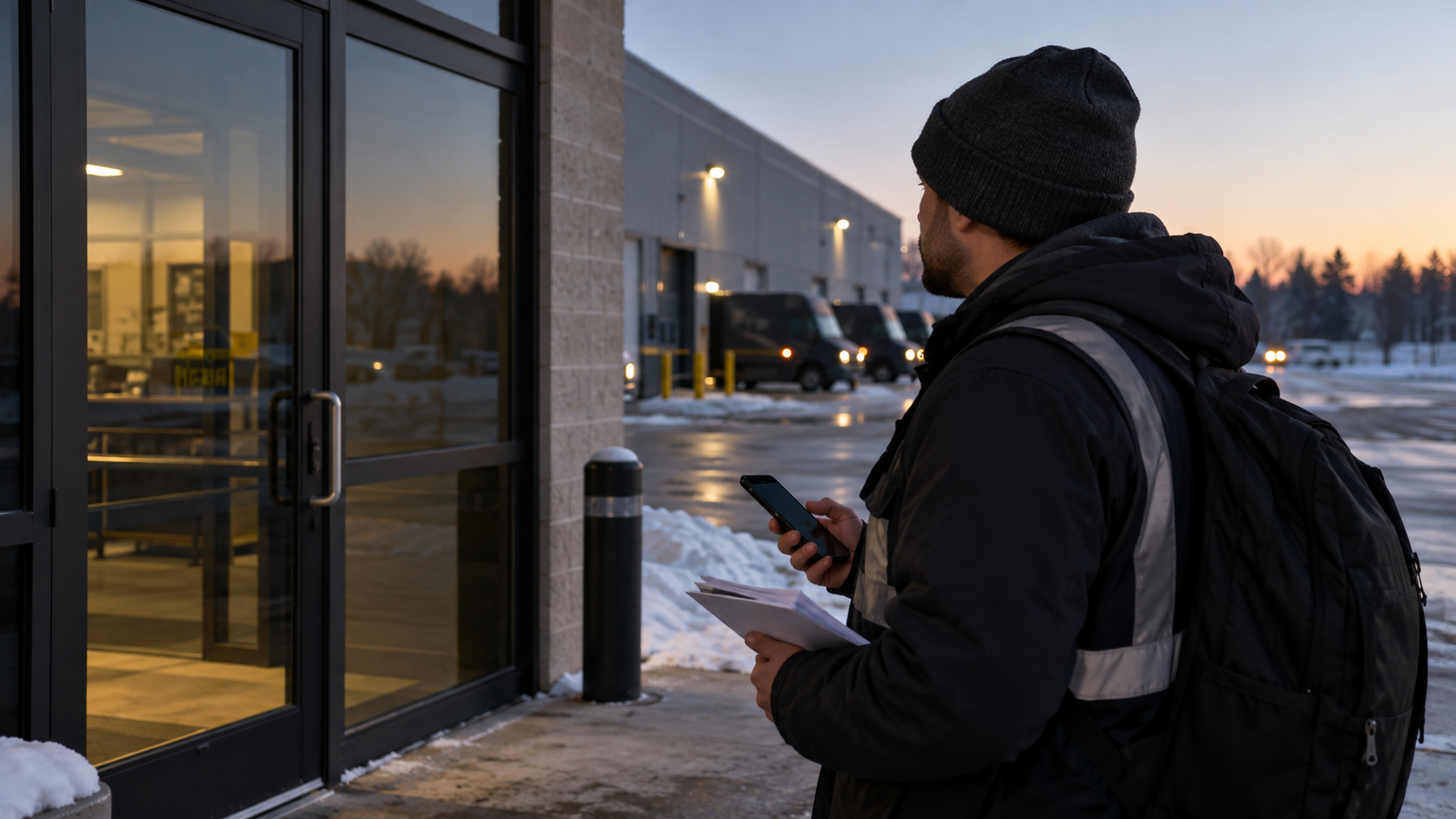
You reach the delivery station before your first shift. The building is dark, the visitor door is locked, and the phone number in your orientation email reaches a daytime recruiting voicemail. You may be at the right address and still need the right entrance or an on-duty employee to admit you. Before that morning, ask your employer who owns access at the time you report, how to reach that person, and where to wait if you cannot enter. A general company phone number is rarely a useful first-day fallback at 5:45 a.m.
A Minnesota delivery driver facility access contact is the person or team authorized to direct you at the specific site and shift. That might be a route lead, dispatch desk, site security, trainer, or facilities contact. Do not guess from titles. Ask the employer to name the primary contact, an after-hours alternative, the approved channel, and the point where a new hire should wait. If the entrance is locked, the answer should let you report the problem without following someone through a restricted door or wandering into a vehicle yard.
This guide is about the contact route when entry fails. It is distinct from planning travel to an unfamiliar entrance and from receiving a vehicle key after you enter. CISA's physical-security resources explain why controlled access matters in general, but they do not provide a delivery station's gate procedure. The employer's current site instructions are the authority for where to check in and who can admit you.
Identify the on-duty contact for your report time
An HR contact who works 9:00 a.m. to 5:00 p.m. may be ideal for paperwork and unable to answer an early route-start call. Ask who is on duty when you are supposed to report. State the exact date and time: “I report Monday at 5:45 a.m. Who should I contact if the assigned entrance is locked?” A named route lead or dispatch number is more useful than “call the office.”
Ask whether the contact will answer a call, text, app message, intercom, or security desk request. A work phone might be monitored only after the dispatch meeting begins. If the employer uses an app, make sure your account can send a message before the first day. If it gives an intercom code, ask which door has that device. A correct number in the wrong channel can still leave you waiting outside.
Confirm the contact's role, not just a name. If the named person is absent, you need to know which team can replace them. “Ask for the on-duty dispatcher” is a useful fallback if dispatch always has coverage; “ask Jordan” is less useful if no one knows Jordan's schedule. Do not collect personal numbers from coworkers without the employer's authorization.
Get a locked station entrance contact in writing
A locked station entrance contact should be part of the report instructions, not a number you search for in the parking lot. Ask the employer to send the contact with the address, entrance description, report time, and expected check-in method. If the location has multiple gates, name the one assigned to new hires. If the site uses a security booth, ask whether the booth expects your name or needs a visitor list entry.
Write the contact information in a place you can reach even if a scheduling app is offline. Do not store a sensitive gate code in a public note or share it with another applicant. A phone number or official extension is different from a credential that grants entry. Follow the employer's instructions for handling each. If the employer updates the contact, keep the new one and mark the old one as superseded.
If the response says only “someone will let you in,” ask who and how you signal your arrival. A person can intend to meet you but be pulled into another task. The fallback should say what to do when the planned greeter is not at the door. One focused follow-up before the shift can prevent several uncertain calls after you arrive.
Agree on a first day gate access fallback
A first day gate access fallback is the next action when the primary contact does not respond. Ask for an alternate role or number and an approved waiting point. For example, the employer may direct new hires to remain at a public-side entrance and call dispatch, then security if dispatch cannot answer. Another site may use an intercom with a named department. Use the site's actual rule rather than copying a generic sequence.
Clarify how long to wait before escalating if the person who was to meet you is not there. The employer may not give an exact minute count, but it can identify the next contact. Ask whether there is a safe place to stand or park without blocking a driveway or loading lane. Do not use an emergency exit, follow a truck through a gate, or ask another driver to lend you a badge to solve an ordinary check-in delay.
If you are a new hire without a badge, ask whether your name will be on a visitor list and which identification the site expects you to present. Keep this separate from the Form I-9 document choice; the site may need a simple identity check to admit you. Do not offer a photograph of sensitive ID through a random text exchange because someone says they can “clear the gate.” Use the employer's approved method.
Imagine that the onboarding coordinator says security will admit you at the east door, but security says your name is missing from its list. Ask security which employer contact can authorize your entry, then use the named on-duty number. Do not argue that an orientation email should be enough to override the site's check. Send the coordinator the specific problem: your name is not on the list for the stated date and time. Once the employer corrects it, ask whether the fix covers only today's visit or also the next route shift. A single missed visitor entry should produce a targeted correction, not an improvised path around the gate.
Distinguish a wrong entrance from a failed credential
When you cannot enter, state what you can observe. Are you at the assigned address but the door is locked? Does a badge reader reject your new credential? Does the gate have no intercom? Are you at the side marked for trucks rather than employees? These details help the contact route you without assuming the building is closed. Do not test every door or badge reader in a restricted area.
If the employer gave you an entrance description, compare it with signs you can see from a permitted location. A large site may have a public lobby, employee door, fleet gate, and loading dock. The route entrance may differ from the orientation entrance you used last week. Ask the on-duty contact which one applies today. This article concerns whom to contact when entry fails; a separate travel-planning topic owns the full first-day entrance route.
A badge problem may need site security or facilities, while an incorrect schedule may need dispatch. Ask the initial contact to identify the correct owner if it cannot fix the issue. Do not assume a recruiter can activate a door credential. Likewise, a badge that opens the office may not admit you to the fleet yard. Describe the specific point of failure rather than saying the whole site is inaccessible.
Send a message that dispatch can act on
A useful access message gives your name, assigned shift, location, entrance, time, and observed problem. “I am at the east employee entrance for the 5:45 a.m. delivery shift. The door is locked and the intercom is unanswered. Where should I wait, and who can admit me?” That is clearer than “I'm here” or “your gate is broken.” It tells the contact whether you might be at a different door.
Use the channel the employer specified. If a call goes to voicemail, leave only the information needed and try the designated fallback. Do not send photos of the badge reader, gate code panel, or internal site map to a broad chat unless the employer asks through an authorized channel. A description is often enough for the on-duty person to identify the entrance.
Keep your tone factual if you have been waiting. “I arrived at 5:40, called dispatch at 5:42, and remain at the approved waiting point” is useful. “No one ever lets drivers in” may not reflect the problem you are seeing and can make it harder to resolve. The immediate goal is a safe, authorized entry or a clear instruction to report elsewhere.
Know when to use security, dispatch, or HR
Security may control the door, but dispatch may need to know that a driver is present and unable to start the route. Ask whether the employer wants you to notify both or whether one team will coordinate. If the delay affects your assignment, give dispatch the access status. If a credential is not active, security or facilities may own the technical fix. HR may update a new-hire record later but may not be the first call before dawn.
For an orientation appointment, the trainer or onboarding coordinator may be the first contact instead of dispatch. The location may use a visitor entrance different from the route station. Keep separate contacts for the event you are attending. If the email says “orientation at headquarters” but your route app names a station, do not guess which team should admit you. Ask the schedule owner to settle the location before travel.
If no one can tell you who owns entry, ask the employer for a named supervisor or on-duty role to resolve that gap before the first shift. The question is not bureaucratic. A contact who can confirm presence and authorize a next step can prevent an avoidable missed start. Keep the answer with the report instructions.
Use an approved waiting point, not an improvised entry
If the gate is closed, remain in a location the employer has identified as safe and lawful for waiting. Do not block traffic, stand in a loading lane, or remain in an unsafe area merely to prove you arrived. If the designated point is unsafe or inaccessible, tell the contact and ask for an alternative. Safety and site control both matter. A driver can report a problem without crossing a barrier.
Do not follow another vehicle through a secured gate. The other driver may not know whether you are authorized, and the gate may close quickly. Do not borrow a coworker's badge, prop a door open, or use a delivery entrance that is not designated for people. CISA's general physical-security material supports respect for controlled access; your employer's rules determine the actual admission procedure.
If the situation is an immediate emergency rather than a routine locked door, follow the site's emergency instructions and contact emergency services as appropriate. Do not use an emergency line to resolve ordinary lateness or badge setup. Ask the employer in advance which number is for urgent safety incidents and which is for normal access problems so a first-day uncertainty does not send you to the wrong channel.
Record the delay without deciding the pay outcome yourself
If entry remains blocked, note when you arrived, where you waited, the contacts you tried, and the instructions you received. Use the employer's permitted timekeeping method. A personal note can help explain the sequence, but it is not an official clock-in record or a decision about pay. Ask the employer how to record the affected time and whom to notify if the portal cannot be reached from outside.
Do not silently change your arrival time to the later moment you entered if you were present and following instructions earlier. Equally, do not claim time you did not spend at the site. Report the actual facts so the employer can apply its process. If the route was reassigned while you waited, ask what happens next and whether you should stay, attend another task, or leave. Keep the answer with your note.
If a dispute later arises, separate the access event from the time-entry question. The contact record shows what you reported and when; the employer's timekeeping and payroll records show what was recorded and paid. This article does not resolve those later issues. It helps you create a clear account while the on-duty team can still address the immediate barrier.
Handle a changed site or report time
The door may be locked because the schedule changed and no one told you. Ask dispatch or the current schedule owner whether the assignment is still at that facility and time. Do not assume a locked building means your shift was canceled. A route team may have moved check-in to another station or changed the entrance. Ask for the new location and whether the travel time is feasible before leaving.
If the employer sends you elsewhere, repeat back the address, entrance, contact, and expected arrival time. That prevents a second access problem at the new site. Keep the original and revised instructions as separate dated messages. A map link from a coworker is not enough if the employer has not confirmed the reassignment.
If you travel by transit and the new site is not reachable at the revised time, tell the schedule owner immediately. Do not promise an arrival you cannot make. Ask whether to remain at the original approved waiting point, travel by another employer-approved arrangement, or await a new assignment. The access contact can coordinate with dispatch so your absence from the new gate is not mistaken for a missed shift. Record the instruction you receive and follow it.
If your report time moves earlier, ask whether the same access contact is on duty then. A contact plan built for a 7:00 a.m. start may fail at 5:30 a.m. Review the fallback each time a materially different shift or site is assigned, particularly while you are new and do not yet have a badge.
Close the access issue with the correct owner
After you enter, tell the on-duty contact if a badge, visitor-list entry, or gate instruction still needs repair. A one-time escort can get you inside today without fixing tomorrow's access. Ask who will update the credential or instructions and when to test them. Do not assume successful entry through someone else's help means your own access is active.
Keep the correction tied to the site and shift. “My badge did not open the east employee entrance at 5:40 a.m. Monday; security admitted me. Will the badge be active for Tuesday's 5:30 a.m. report?” That is a testable request. If a different entrance is the approved one, update your calendar and stop using the old door. If a new contact is assigned, replace the outdated number in your first-day note.
The applicant communication guide can help you choose a clear hiring-stage question. The Saint Paul delivery driver careers hub helps you explore openings. Neither public page can admit you to a private facility. The useful result is an employer-confirmed primary contact, fallback, waiting point, and next action if entry fails at your actual report time.