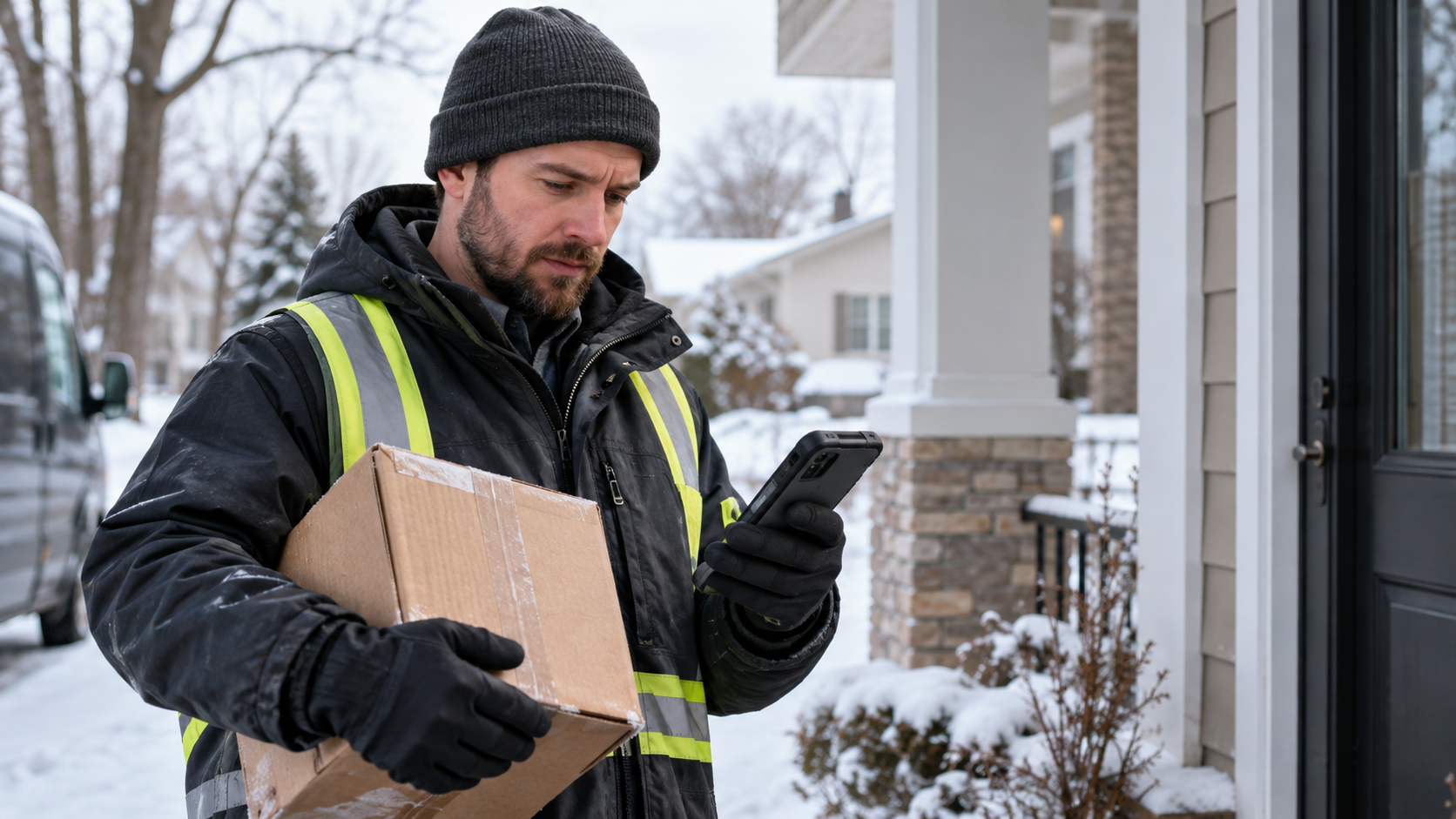
The driver has a parcel with an address conflict. The device offers “customer unavailable,” “no access,” and “refused,” but none describes a package that should not be taken to an unverified door. A Minnesota delivery driver no matching exception code situation is a classification problem as well as a route problem. The driver should preserve the item and the screen state, report the actual event through the employer's support channel, and obtain a directed way to record it. Choosing a false reason to clear the card creates a second problem that can outlast the original exception.
Carrier status pages show why words matter. The USPS tracking guide distinguishes no access, insufficient address, and no authorized recipient. FedEx explains its delivery-exception status in its own tracking system. Another employer may have a shorter menu or different code names. The driver should not copy a carrier's taxonomy into a different app, but can recognize that “refused” asserts a person declined the parcel while “address unclear” asserts a different fact.
This guide covers the moment when the driver knows what happened but cannot find a truthful device choice. Other articles cover how to resolve a specific unreadable label, absent signer, leak, or route misassignment. Here the core decision is how to preserve facts and obtain an authorized status path when the interface does not fit the event. The goal is a durable record that explains both the operational condition and the menu limitation.
Identify the delivery app reason mismatch precisely
A delivery app reason mismatch can arise because the menu lacks a category, the right category is hidden behind a different workflow, or the app shows options for the wrong delivery type. Read the full labels and any help text before concluding none fits. A signature-required stop may have a different exception screen from an unattended drop. A pickup may have a different set of reasons from a delivery. Confirm the barcode and task type first.
State the real event in one sentence. “The package is in the van; printed unit and app unit conflict” is more precise than “couldn't deliver.” “Lobby closed before appointment time” is different from “customer did not answer.” Then compare that sentence with the available choices. Which required fact would each code assert? If every option would add a false claim, do not tap one merely because the app requires a selection to advance.
Capture the menu wording through an approved screenshot or incident tool if allowed. Note the app version, stop, parcel ID, and time. A menu may change after a sync or task-type correction, so the before-state can help support reproduce the issue. Avoid screenshots containing other customers' addresses or access details in a personal account. The employer's support system should hold the evidence.
Check whether a general “other,” “contact support,” or “unable to classify” path exists. Some systems hide it under a separate help control. Use it only according to policy. A free-text field attached to “customer refused” does not necessarily make that false status acceptable; the primary code may still trigger a refusal notice or return process. Ask how the code and note will appear downstream.
The available menu may also depend on a device role or network state. A driver signed into a training profile might see a shorter list than an active route owner; an offline device might show cached options. Report what the screen actually says and ask support to check the role and sync state. Do not switch to a coworker's login or clear app data to hunt for a better reason code. Those actions can separate pending events from the person who made them. If support identifies a configuration error, preserve the original menu evidence and verify the corrected option before submitting an event. A technical repair should make truthful classification possible without rewriting the physical history.
Start exception code escalation before a false scan
An exception code escalation begins with the parcel's physical state and the exact menu limitation. Give support the barcode, route and stop, actual location of the package, observed event, choices shown, and the reason each relevant choice is inaccurate. For example: “Parcel ending 4821 remains in my vehicle; the app address says Unit 312 and the label says Unit 321. The menu offers no address-conflict reason. No delivery attempt was made. Which approved status and custody path should I use?”
Ask for both an immediate operational instruction and a record instruction. The operational question is whether to hold, return, transfer, or continue with the item. The record question is how to represent the exception without asserting an event that did not occur. These may have different owners. Dispatch may decide where the parcel goes, while app support or a supervisor repairs the status. Record the named owner of each action.
Do not take a coworker's suggestion to select the nearest code as authorization. The coworker may have seen a different app version or service type. A supervisor can give an explicit procedure, but ask what the chosen code will communicate and whether an accompanying note or backend correction is needed. Preserve that direction with a case number. A casual “just clear it” is too vague for an event that affects custody and customer tracking.
If support is temporarily unreachable, follow the employer's offline exception plan. Keep the package secured and document the attempted contact, time, and menu state. Do not create a fictional status so the route looks complete. Continue unrelated stops only if the employer's safety and route rules permit, and keep a concrete follow-up point for the unresolved item.
Separate the physical event from the device problem
The underlying parcel problem and the app limitation should have distinct descriptions. A package might be damaged, unaddressed, or held by an authorized receiver. The device might lack the required code, show a stale route, or fail to submit a note. A later reviewer needs both. If the driver writes only “app broken,” the team may not know where the package is. If the driver writes only “address issue,” the team may not know why the route status remains unresolved.
Record the last verified custody event. The parcel may still be with the driver, already at station intake, or accepted by a recipient. An interface problem does not freeze physical time. If a safe, authorized handoff has already occurred, support may need a proof-record correction rather than a hold. If the item remains in the van, the driver should not mark it returned merely because the app offers no pending state.
Note what was not done when it matters. “No door visit” distinguishes an address conflict from an unsuccessful attempted delivery. “No customer conversation” distinguishes silence from refusal. “No station handoff yet” distinguishes a return instruction from a completed return. These negatives are useful because the available menu might falsely imply those actions. Keep the note concise; it should clarify the disputed code, not recite every possible non-event.
Do not let the device menu dictate a physical action. Leaving a parcel at a door to make “delivered” true after the fact is not a repair. Asking a recipient to refuse an item so “refused” can be selected would distort the encounter. The package should follow its real authorization and safety rules; the app should be corrected to describe that reality.
Check what each available code would trigger
A status label can do more than change a route card. It may send a customer notification, start a reattempt, place an item on a return list, close a driver's accountability, or change station inventory. Ask support what the proposed workaround triggers. A note that explains the truth may not prevent a false primary code from reaching the customer or another system.
“Customer unavailable” can imply an attempt at a verified address. “No access” can imply a physical barrier. “Refused” implies contact and rejection. “Delivered” implies a completed authorized transfer. A driver facing an unreadable label, a wrong-driver assignment, or a canceled stop should not pick one of these solely for convenience. The carrier examples in the USPS guide show that such categories represent meaningfully different events.
Some employers have an “other” code that keeps the item open for supervisor review. Others use an incident number while dispatch removes the stop. Neither should be assumed without checking the tool's documentation or supervisor instruction. A generic code may be acceptable only when the note and downstream workflow accurately preserve the event. Record the direction and the event ID so it can be audited.
If a code was already submitted before the mismatch was recognized, do not submit another status blindly. Preserve the original event, identify the false assertion, and request an approved correction. The first write may already have reached the server even if the app still looks pending. Support should reconcile that outcome before a replacement event is sent.
Use a support case that someone can finish
A good support case contains the item identity, short fact pattern, menu choices, screenshot or exact wording, current custody, time, and requested decision. Add the case reference to the route note if policy allows it. “Please advise” can be too broad; ask “Which status should record this without indicating a customer attempt, and who will reconcile the route card?” The question points to a concrete completion criterion.
If one team can fix the app but not the package disposition, ask dispatch to own the latter. If dispatch directs a return but cannot edit the customer-facing status, ask which support queue owns that edit. A named handoff prevents the unresolved item from disappearing between teams. The driver should not call an incident resolved because a ticket was opened; the parcel and record still need a final state.
Record the response exactly enough to follow it. If support says “hold the parcel; code will be added later,” keep the item in the approved holding place and note who will add the code. If support says “select Other and enter case 1234,” verify the note saved and check what “Other” displays to the recipient. If the reply is ambiguous, ask a focused follow-up before taking an irreversible action.
Preserve a failed support attempt. A call that did not connect, a chat that timed out, or a message with no acknowledgement should not be described as supervisor approval. Record the time and channel and use the employer's escalation ladder. The absence of a reply is an owned operational issue, not a license to invent a reason code.
Keep the parcel safe while the status remains open
The driver's responsibility for the physical item continues. Keep it in the appropriate vehicle or station location under policy. If it is damaged or potentially hazardous, follow the safety process first. If it is a controlled shipment, follow its custody and signer rules. A pending exception code does not authorize an unattended drop or an informal transfer to a coworker.
When the route must continue, record where the parcel is and who will decide its next move. If it goes to station intake, get the barcode-specific receipt. If another driver takes it, record a real transfer. If it stays in the vehicle overnight, identify the secured location and next custodian under employer policy. Digital uncertainty should not become physical uncertainty.
Watch for a remote route edit while waiting. Dispatch may remove the stop or reassign it, but the package may still be in the driver's hands. Confirm the item-level instruction and record the actual later custody transfer. A vanished card is not evidence that a station has the package. Conversely, a card that remains visible after a station return is a record mismatch to report, not a reason to retrieve the item again.
Do not promise a customer a particular reattempt date while the reason and disposition are unresolved. The employer may need address verification, safety review, or a new route assignment. Use the approved communication channel and state only what has been confirmed.
Work through a menu with three wrong choices
Imagine a driver has a parcel whose printed suite is 420 but the app says 402. The parcel is still in the van; the driver has not visited either suite. The exception screen offers “customer not home,” “no access,” and “recipient refused.” Each option would assert an event that has not happened. The driver captures the exact menu, reports the barcode and address conflict, and asks support for an address-verification hold and the correct route status. The parcel remains in the driver's custody until a directed transfer or corrected destination is confirmed.
Suppose support instructs the driver to use a designated “Other: address review” path after verifying the app's alternate menu. The driver records the case number, confirms the item is still held, and checks that the note saved. A later address correction may allow a valid delivery attempt. The initial event should remain a pre-attempt address review, not a retroactive failed visit to Suite 402.
Change one fact: the driver already knocked at Suite 402 before noticing the conflict, and no one answered. That door visit occurred, but it may not have been at the authorized destination. The note should include it honestly while preserving the unresolved address question. Support decides whether the event qualifies as an attempt under the employer's rules. The driver should not erase the visit or label it a valid attempt without a verified destination.
Change another fact: the customer accepts the package at Suite 420 while the app still lists 402. The physical handoff and digital address conflict now both need reporting. The driver should preserve the actual receiver and proof, then follow support's correction process. A generic “no access” code would be false, and a new delivered event under an uncorrected address could create a different misdelivery record.
Verify the final code and custody result
After support resolves the issue, inspect the parcel-level record. Does the code or note describe the actual event? Did it attach to the correct barcode? Is the item now with the driver, station, another driver, or an authorized recipient as the system says? If a customer notice was sent, does it make a claim that matches the facts? Report a remaining discrepancy with the original case and event ID.
If a workaround used a temporary holding code, ask who will replace or close it and when. A temporary code should not silently become the permanent customer-facing explanation. The driver can hand the case to a named station or support owner at shift end, but should not mark the item resolved before its custody and status align. Preserve any uncertain upload attempt before another write.
For drivers comparing employers, the published delivery job-offer review guide can prompt questions about exception support. The Saint Paul delivery driver Careers hub offers local role context. During onboarding, ask where the “no matching reason” path is, who can approve a temporary code, and how customer-facing status is corrected.
An incomplete menu should produce a precise escalation, not a fictional delivery story. Preserve the physical facts and first screen state, get an authorized classification, and verify the parcel's final record against its actual custody.