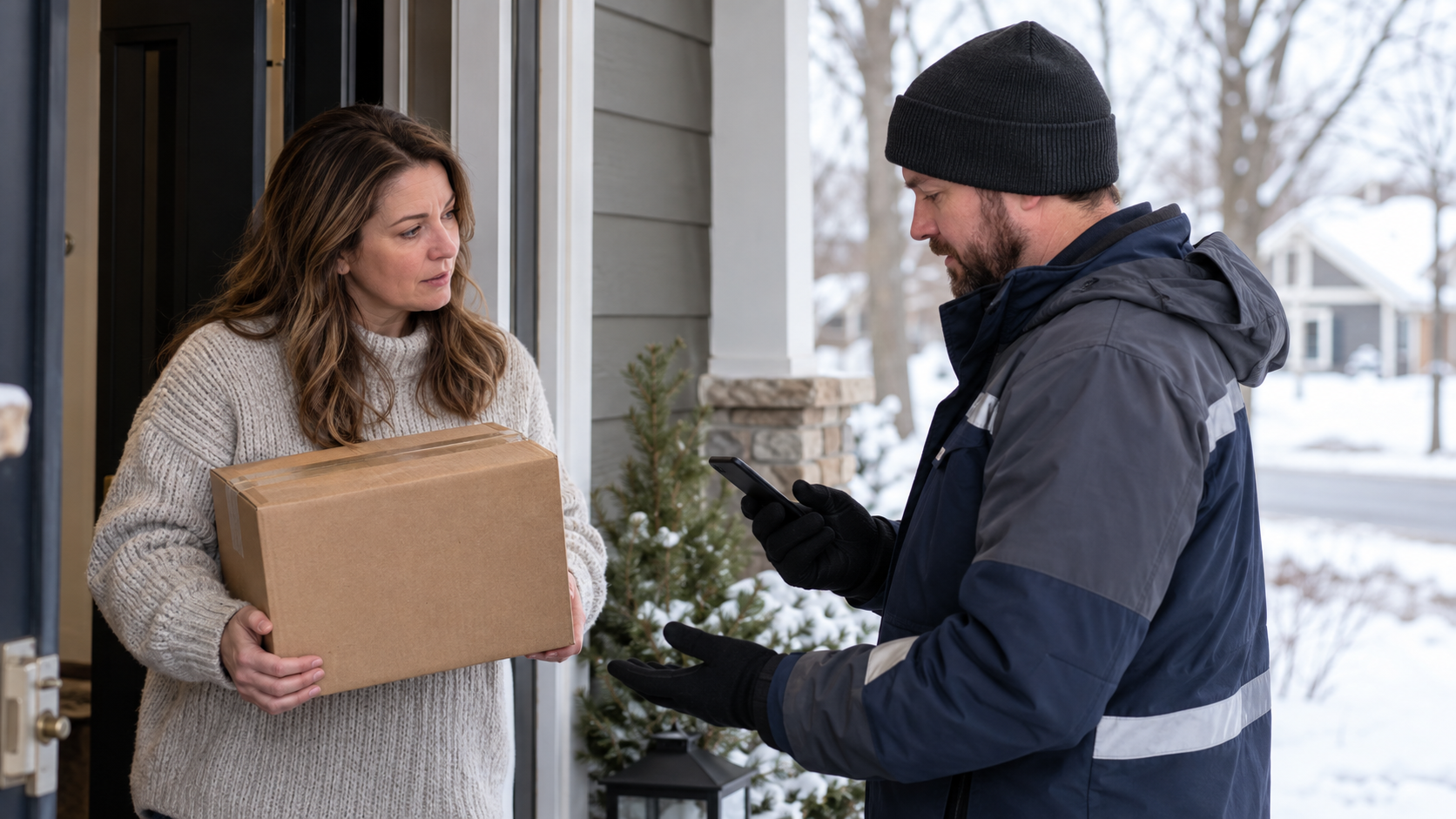
The pickup is on the driver's route, and the customer has a sealed box by the door. The return label is still in an email, the office printer is jammed, or the label on the box belongs to an earlier shipment. The driver cannot treat “pickup scheduled” as proof the item is ready to enter the carrier network. A Minnesota delivery driver pickup label not ready record should say what was prepared, which label or identifier was missing, what the approved service allows, and whether the parcel stayed with the sender or actually changed custody.
Carrier rules vary. The USPS Package Pickup FAQ describes prepaid and eligible return items for that service. The UPS scheduling page says a UPS shipping label is needed to process a shipment and discusses preprinted return labels. Another employer might send a driver with a label printer or an approved label-on-arrival task. The driver must follow the actual pickup service, not apply one carrier's rule to every route.
This guide begins with an authorized pickup task and a label that is not ready at the handoff. It differs from deciding whether the request itself was scheduled, checking a ready parcel against its barcode, or finding vehicle space. The narrow question is how to document the pause or authorized workaround without claiming acceptance of an item that remains with the sender, and without carrying an unidentified package with no traceable acceptance record.
Describe the pickup label pending condition exactly
A pickup label pending note should identify the obstacle. Is the customer waiting for a label email, unable to print one, showing a QR code for a drop-off location, holding a label with a different tracking number, or asking the driver to reuse an old label? Those are different conditions. “Label unavailable” is a useful headline but not enough for support to choose a remedy. Record the task ID, parcel count, and what label information is already verified.
Check the task's service type before touching the box. A label-on-arrival pickup might correctly show no label on the parcel because the driver is expected to produce one through the app. A standard prepaid return may require the label to be attached before collection. If the route screen does not say which service applies, ask dispatch. Do not assume the customer's expectation determines the carrier's process.
If a label exists but will not scan, distinguish print quality from a wrong service or identity. A blurred barcode can sometimes be reprinted under the authorized process. A barcode for a different carrier or canceled return may require a new booking. Do not write a guessed tracking number on the carton or accept a screenshot of a label as if it were attached and readable.
Note whether the customer has a confirmation number. A pickup booking number may identify the scheduled visit, while a shipment tracking number identifies a particular parcel. The two are not interchangeable. A valid appointment can exist before a usable shipping label, and a valid label can exist without a pickup assigned to this driver. Keep both identities clear in the report.
Confirm whether a label-on-arrival method is authorized
The employer's task may instruct the driver to print a label, apply a preissued sticker, scan a code that generates a label, or take a parcel under a controlled label-later process. Read the actual workflow and verify the equipment is available. A spare blank label roll does not make every return eligible for driver labeling. The destination, service, and tracking ID must come from the approved system.
If the customer presents a QR code, check what it is for. Some codes are intended for a retail drop-off counter or a different carrier and cannot be used by a route driver. Ask support whether the code can create a pickup label in this device. Do not photograph it into a personal phone and promise the station will work it out. A code can contain shipment or customer information that needs the authorized app.
When the driver generates a label under policy, compare it with the pickup task and physical parcel before attachment. Confirm the return or shipping ID, service, sender and destination fields the app requires, and piece count. Place the label as instructed so the barcode can be read and old labels do not cause confusion. Do not cover or remove prior labels without the employer's direction; an old label can remain useful evidence of a mismatch.
If the label printer fails, preserve the error and ask for a repair or alternate authorized path. Do not mark the parcel accepted merely because the driver would have taken it if the printer worked. A paper note taped to the box is not automatically a substitute for a carrier label. The status should describe the failed preparation and current custody.
Keep the sender as custodian until acceptance is real
When no authorized label path exists, leave the parcel with the customer. Explain the concrete next step supplied by the employer: print and attach the label, reschedule, use a drop-off option, or await a new label-on-arrival task. Do not scan pickup complete or issue a receipt. A scheduled stop can end unsuccessfully without the carrier ever taking the item.
The physical handoff line must be clear. A driver may move a box a few feet to read the label or check size, then put it back. That inspection is not necessarily acceptance. If the customer places it in the van without permission, stop and resolve the situation before leaving. An unlabeled parcel in the cargo area can become untraceable. The customer and driver should agree whether it was accepted under an approved process or returned to the sender's custody.
Do not leave the box at a shared mailroom desk and treat the building as the sender's custodian unless the customer and site actually arranged that. If the parcel stays with the customer, record the location and contact only as policy permits. A later driver needs to know where to look, but a broad note should not expose a residential door code or other private details.
If a verified label arrives while the driver is still present, restart the item check with the now-ready parcel. The customer may print a different label from the one discussed earlier. Scan the new barcode, verify task match, and follow the normal acceptance proof. The earlier label-pending note remains a factual part of the visit; the later accepted event should have its own time and identity.
Use a label-not-ready pickup record without a false receipt
A label-not-ready pickup record should include the task ID, date, location, number of parcels offered, label condition, support contact, and custody outcome. “One parcel offered; return label not printed; standard prepaid pickup requires attached label; no item accepted; parcel remained with office; customer advised to print and rebook” is reviewable. Use the exact employer rule and instruction for the real stop rather than copying that example.
Choose the app outcome carefully. “Customer unavailable” is false if the person was present. “Refused pickup” may imply the driver declined a ready, eligible package, which may not describe a label-preparation delay. Use the employer's label, preparation, or task-not-ready reason if available. If no option fits, escalate the menu mismatch and preserve the facts instead of selecting a misleading code.
The note should not state that the customer promised to print a label unless they actually did. A support agent may offer a reschedule, or the customer may choose a drop-off service. Record the confirmed next step and who owns it. If nobody has scheduled the next attempt, say “new pickup not yet confirmed” rather than promising a driver tomorrow.
If one of several parcels is labeled and the others are not, record a split outcome. The driver may accept the ready item if the service and system allow partial pickup. The unready items remain with the sender. A single stop-level complete badge should not imply every offered box entered custody. List accepted barcodes separately from label-pending descriptions.
Distinguish a missing label from a bad label
“Not ready” can mean no label has been created, a label exists but has not been attached, or the attached label is wrong. A customer can often print an existing label while the driver waits within policy. A wrong label may require the shipper or support team to void and replace it. A damaged barcode may need a reprint. These paths should not be collapsed into a generic “no label” report because the next worker will need a different remedy.
If the box has a label for another carrier, do not assume it can be collected and rerouted at the station. If it has an old outbound label and a new return label in the customer's hand, verify the return process before attaching anything. Multiple labels can send a parcel to the wrong destination if the wrong barcode is read downstream. Ask which label is current through the authorized records.
If the customer's email shows a tracking number but no printable label, check whether the service is designed for a driver-generated label. The number alone may represent a return authorization, not a shipping label. A valid number does not make an unlabeled box self-identifying in the cargo area. Support should tell the driver what physical marking and scan are required before acceptance.
The driver should not open the package to search for an inside label. USPS package-preparation guidance may recommend an internal backup address for senders, but opening a customer's sealed parcel is not a driver remedy for a missing outside label. Keep the item with the sender or use the employer's controlled identification process.
If the sender has several similar boxes, do not treat the first printed label as permission to take any one of them. Ask which physical carton the return authorization covers and match the label to that carton under the employer's procedure. A label can be valid yet attached to the wrong item. When the customer is unsure, keep the boxes with them while support identifies the correct pairing. The eventual pickup record should carry the barcode and piece description required by the service, not an improvised description that could fit every box. This extra check matters when one order produced several separate return labels.
Handle a label that becomes ready after the pickup window
The customer may finish printing just as the driver must leave for another committed stop. Follow the employer's waiting and route rules. Do not promise to return later without dispatch approval. Record the time the item became ready, whether the driver still had authority to accept it, and what dispatch decided. The earlier failed preparation does not become a completed pickup merely because the label now exists.
If the driver leaves, the customer retains the box until another pickup or approved drop-off. A later driver should verify the actual label and package at the later handoff. The first driver's report can explain why no acceptance occurred, but it cannot serve as proof that the later item was collected. The task may need a reschedule or a new confirmation number.
If the driver is authorized to wait and the label is printed within the window, scan and compare it before taking custody. Do not rely on a label image shown on the customer's phone while a different label sits on the box. The physical parcel must carry the identifier the system will use. A ready label and a valid task together lead to the normal item-verification and acceptance steps.
If a late label changes the service or destination, ask support whether the existing pickup task still applies. A customer may have created a new return with a different carrier after the first label failed. The driver should not use an old route card to collect the new shipment without authorization.
Use an office printer-failure example
Imagine a driver has a scheduled pickup for two prepaid return cartons at an office. Box A has its label attached and scans to the task. Box B is sealed, but its label is in an email and the office printer has no toner. The driver verifies A and asks whether the service permits a partial pickup. If dispatch approves, the driver accepts A with a barcode-specific receipt. B stays with the office and is recorded as label not ready. A complete two-box receipt would be false.
Suppose a clerk offers a handwritten address for B. The driver does not turn that into a shipping label. Support confirms there is no label-on-arrival service for this task and directs the office to print the return label and schedule another visit. The driver's note says B was offered but not accepted and names the approved next step. The parcel never leaves the office under the first visit.
Change one fact: the task specifically includes a driver-printed label for B and the printer works. The driver uses the app to create the approved label, checks that it belongs to B's return, attaches it correctly, scans acceptance, and takes custody. The absence of a preprinted label was expected for this service; it was not a failed pickup.
Change another fact: the driver printer jams after generating an ID, and the app's acceptance state is uncertain. The driver preserves the task and event details and asks support whether a label was created or an acceptance recorded. They do not generate a second ID blindly. Until the system owner confirms a safe path, B remains with the office unless the employer's controlled label-later process expressly transfers custody.
Reconcile the task, label, and custody at closeout
Before leaving, compare every offered box with the accepted barcode list. A box in the van should have an approved identity and acceptance record. A box still with the sender should not appear as picked up. If the device shows a pending scan, follow the offline reconciliation process without duplicate acceptance. Ask the customer to confirm which physical items remain at the site when the split is complex.
At station intake, check that accepted parcels scan under the labels used at pickup. A box with no readable identifier should be investigated immediately rather than silently added to a general return pile. If support authorized a special label-later process, preserve the interim identity and its link to the eventual shipping label. The station needs to know which customer and task released the item.
For drivers comparing roles, the published delivery job-offer review guide can prompt questions about pickup tools and support. The Saint Paul delivery driver Careers hub gives local role context. During onboarding, ask which pickups require preprinted labels, whether the vehicle carries an approved printer, and how to record a task when a label cannot be made.
The route card proves a visit was scheduled. A verified label and approved acceptance method determine whether the specific parcel can enter custody. Keep the sender-held and driver-held outcomes separate, and the later pickup or station record can follow the package without a fabricated first scan.