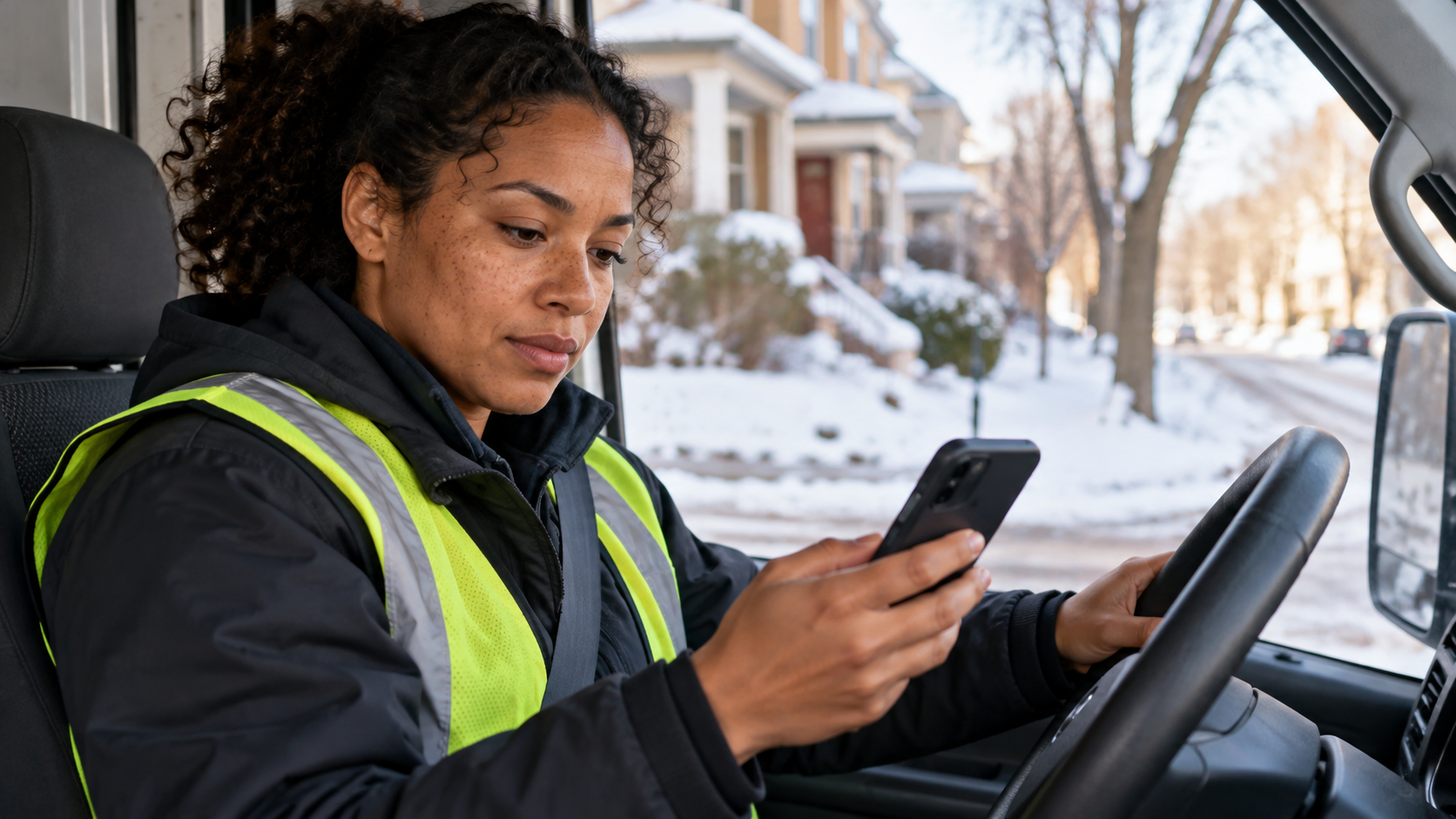
A driver finishes a stop, pulls away, and later sees a recipient message saying, “Please use the side entrance.” The side entrance was not in the instructions visible at the door. Should the driver turn around, change the delivery record, or ignore the message? The answer depends on when the message became available, where the package is now, and what the employer's route process allows. The driver should establish those facts before taking another action.
To respond when a recipient instruction appears after departure, first stop safely before reading it. Note the message's sent time and the time it appeared, then compare those with the stop and handoff record. State whether the package is still in the vehicle, was delivered, or was marked for an exception. Contact dispatch through the approved channel when the instruction would require a return, a new handoff, or a correction. Preserve what happened rather than editing history as though the instruction had been visible earlier.
The Fast Track Delivery Saint Paul careers page describes accurate completion and communication when a condition changes. It does not give a rule for a late recipient message. NHTSA advises drivers to pull over and park before reading or sending a message. Those sources support safe review and truthful reporting; the employer's current system and authorized direction determine any route change.
Read a late recipient delivery instruction after parking
A late recipient delivery instruction can wait until the driver reaches a lawful, safe place to stop. Do not read a long notification while merging, navigating, or looking for the next address. If the message arrives through an app that speaks brief alerts aloud, keep attention on driving and review the full text only after parking. NHTSA's distracted-driving guidance is clear that text reading and sending should happen after pulling over safely.
Parking first also improves the decision. The driver can compare the message with the stop record instead of reacting to a fragment on a lock screen. A notification preview may omit a unit number, condition, or timestamp. Open the authorized app, read the complete instruction, and check which stop or package it addresses.
If no safe stopping place is immediately available, continue to one. A customer preference does not justify an abrupt U-turn or roadside stop in traffic. Follow the employer's urgent communication rules if the message indicates a safety problem, but do not improvise a dangerous maneuver to answer it.
Separate sent time from display time
An instruction can be written before the driver reached the stop but displayed afterward because the device lost connection or the app synchronized late. It can also be genuinely new: the recipient sent it only after the driver left. Check any available sent, received, or updated timestamps. If the app shows only one time, say which one it shows and do not guess the rest.
Compare the message time with arrival, handoff, and departure times in the employer's records. A note sent at 2:05 and displayed at 2:20 after a 2:15 delivery is different from a note sent at 2:19. In the first case, the driver may have missed an earlier instruction through a display delay; in the second, the instruction postdates the delivery. Both deserve accurate documentation, but neither allows the driver to pretend the instruction was followed when it was not.
If the message was attached to the wrong stop or a different package, correct the identification before acting. A route can include several deliveries to one building. Check recipient, unit, and shipment reference in the authorized app. A message about tomorrow's pickup should not change today's completed delivery.
Check for a delayed device sync without diagnosing it
A route app may show a notification late because the device had weak service, a session refreshed, or the driver opened the stop only after leaving. The driver rarely has enough evidence to identify the software cause. Note the observable sequence instead: “At the door the instruction panel showed the front entrance. After leaving, a side-entrance note appeared with an earlier sent time.” That gives support a useful report without claiming the app failed in a particular way.
Look for other signs of a delayed sync, such as several messages arriving together or a connection indicator changing. Keep those as observations, not proof of a server defect. If the app shows a version or updated-at field, record it only if the employer uses it for troubleshooting. Do not reset the device, erase the route cache, or reinstall an app during an active route unless support instructs you to.
Report a repeated pattern through the employer's technical channel. If several stops show late instructions, operations may need to investigate coverage or device behavior for future routes. That broader investigation should not rewrite what was visible and done at an individual stop.
Classify the package's current state
Before deciding whether to return, answer a basic question: where is the package? It may still be in the vehicle after an unsuccessful attempt, already handed to an authorized person, placed at an approved location, or back in a return process. Each state allows different next steps. A late instruction is not a time machine that reverses custody.
If the package is still in the vehicle, a later handoff may be possible only if dispatch approves a route change and the recipient can receive it safely. If it was already delivered, the driver should not enter a property to retrieve it based solely on a new message. If the record says delivered but the driver cannot account for custody, that discrepancy needs immediate supervisor attention rather than a quiet edit.
Check whether the stop is still open in the employer system. A closed stop may require support to add a correction or new instruction; an open exception may allow a new attempt through the normal workflow. Do not force the app into a status that makes the route appear complete when the parcel is still unresolved.
Use a post-departure route update through dispatch
A post-departure route update can affect driving order, time, and the next recipient. Send dispatch the decision-ready facts: the stop ID, message text or summary, time shown, actual handoff status, package location, and where you are now. Ask whether to return, continue, or wait for support to contact the recipient. This lets operations account for the entire route rather than one late note in isolation.
Do not promise the recipient a return time before dispatch approves it. A driver may be miles away, have time-sensitive stops ahead, or lack a safe place to re-enter the site. The employer may assign another attempt or handle the request through customer support. A recipient's message is important information, but it is not always a direct instruction to alter the route without authorization.
If dispatch directs a return, confirm which entrance or handoff method is now authorized and whether the recipient will be available. A vague “go back” may not resolve the original access problem. Record who gave the direction and when. Then follow the employer's scan and custody rules for the new attempt.
Distinguish a new address from a new entrance
A late message may ask for a different door on the same property or for a completely different address. Those are not equivalent. A side entrance may be a handoff detail for the existing stop; a new street address can affect routing, recipient identity, and shipment authorization. Do not drive to a new address based only on a chat message. Give dispatch the old and proposed locations and ask what the employer's address-change process requires.
Even on the same property, a new door can be unsafe or restricted after hours. Check whether the recipient's instruction includes a usable access route and whether the package can be handed to an authorized person there. A photo of a door in a message does not guarantee it is open or staffed. The driver should not enter a locked courtyard or warehouse to satisfy a preference that arrived after the first attempt.
If dispatch approves a return to a different entrance, document it as a new action with its own time and actual result. Keep the original stop record intact. That makes the sequence intelligible to the recipient and the employer if the package is later questioned.
Do not rewrite an honest completed stop
A delivery record should describe what the driver actually did. If a package was handed to a receptionist under the instructions visible at the time, a later note asking for a side door does not make that earlier handoff occur at the side door. Keep the original record and report the new instruction. If the original handoff itself violated a known rule, tell the supervisor; do not alter a signature or location to hide the mismatch.
If the driver left a package at an approved place and later receives a preference for a different place, ask support whether any follow-up is needed. Do not re-enter the property or move the package without authorization. The parcel may already have been collected, and a second movement can create confusion about custody.
If the app permits a note, state the timing plainly: “Recipient's side-door instruction appeared after departure; prior handoff at front desk completed at 2:15.” Keep timestamps accurate. A later reviewer can then understand why the new instruction was not applied to the earlier event.
Handle a message that arrives after completion but before departure
Sometimes the message appears while the driver is still parked at the stop, after a completed handoff but before driving away. Physical proximity does not make the completed transaction reversible. Check the package's custody and ask whether the new instruction can be addressed without disturbing an authorized handoff. If a receptionist already signed, the driver should not take the parcel back on the strength of a new app note alone.
If the package remains in the vehicle after an exception, the driver may be able to contact dispatch from the parked position and receive an approved next step. State that the driver is still on site; that may affect what operations can arrange. If the message simply adds a preference for future deliveries, record it for the appropriate channel without turning the current stop into a second attempt.
Compare when the vehicle moved with when the handoff or exception was recorded and when the instruction became available. A message that appears seconds after completion can still be too late to govern the completed action. Treat it as new information and ask what, if anything, should happen next.
Handle an unresolved attempt differently
Suppose the driver could not access the building, kept the package, and moved to the next stop. A recipient message with a working access code might make another attempt possible. The driver still needs to follow employer rules about using the code, returning to the address, and recording the new attempt. Do not share the code in an unsecured note or assume it authorizes entry through a restricted area.
If the message offers a new phone number, verify it belongs to the recipient or authorized site contact through the employer system when possible. A number in a late message may be useful, but it is not a reason to disclose unrelated shipment or driver details. Ask dispatch if the contact route is uncertain.
An unsuccessful attempt may already be in a return or exception workflow. Tell dispatch that the package remains in the vehicle and the new instruction arrived. They can determine whether the stop can be reopened, rescheduled, or handled by another team. Avoid switching statuses repeatedly while waiting for a decision.
Distinguish a preference from a safety or access warning
“Use the side door next time” is a preference about handoff. “Do not use the front steps; the railing is broken” is a safety warning that may affect a future attempt and perhaps the current route if the driver is returning. Read the full message and identify whether it changes only convenience or reveals a hazard. Escalate a credible safety concern promptly through the employer's process.
A recipient may also say the original entrance is closed or the business has moved. That is an access claim to verify, especially if it conflicts with a current sign or the package address. Do not drive to a different address merely because a message says “bring it here instead.” The employer may need to validate a reroute or address change.
If the late instruction concerns an animal, gate, or other site condition, preserve the specific warning without turning it into a permanent fact for every visit. The warning may lack a date or refer to a temporary condition. Ask for current details if another attempt is planned. The driver can communicate uncertainty without dismissing a possible hazard.
Work through a delivered-package example
Imagine a hypothetical stop where the driver hands a parcel to an authorized front-desk employee at 2:15 and records the handoff. At 2:20, the app displays a recipient message sent at 2:18: “Leave it at the side entrance.” The instruction arrived after completion. The driver parks safely, notes the timing, and reports the message through the employer's channel. The driver does not change the handoff location in the completed record or attempt to recover the parcel without direction.
Change one fact: the message was sent at 2:05 but displayed at 2:20 because the app was offline. The driver still records the actual front-desk handoff and tells support about the synchronization delay. The earlier send time may explain why the recipient expected a side-door delivery, but it does not make the driver aware of a message that was not visible at the stop.
Change another fact: no handoff occurred, and the package is still in the vehicle. Dispatch may approve a return to the side entrance if the route and site conditions allow it. That would be a new attempt with its own actual outcome. These examples do not establish a Fast Track Delivery app rule or scan code.
Keep the recipient response inside the approved channel
When the employer system allows a reply, a driver can acknowledge receipt without promising an unauthorized action: “I have passed your updated instruction to our support team for this delivery.” Use wording allowed by the employer. If no reply channel exists, do not search for a recipient's personal number or move the conversation to a private account.
Avoid sending a message while driving. Park first and keep the response factual. If the package was delivered, do not tell the recipient it will be moved unless the employer has actually arranged that. If it remains with the driver, do not say it was delivered. A brief truthful update is more useful than reassurance that outruns the route decision.
If the recipient contacts the driver by phone after departure, record the substance and time through the approved process. A spoken instruction may be valid information, but the driver should still confirm a material address, custody, or route change with dispatch. This creates a record the next person can use without relying on the driver's memory.
Save the evidence that explains the sequence
Keep the stop ID, arrival and departure times, completed or exception status, message timestamp, time it appeared, package state, dispatch response, and any new attempt. A screenshot can help if company rules permit it; crop personal contact details before sharing outside the authorized system. The purpose is to explain sequence, not collect every screen in the app.
The published guide to last-mile driving work in Saint Paul gives broader context for changing stop conditions. At this specific stop, the relevant question is whether the instruction was available before the handoff and whether the employer approved any later action. Those facts prevent a late message from being mistaken for a step the driver already completed.
Close the issue only when the package's custody and the employer's next instruction are clear. A recipient may be disappointed that a preference arrived too late for the first attempt; the record can still be accurate. If another attempt is authorized, document what actually happens then. That preserves the history of both events and gives operations a reliable account of the route.