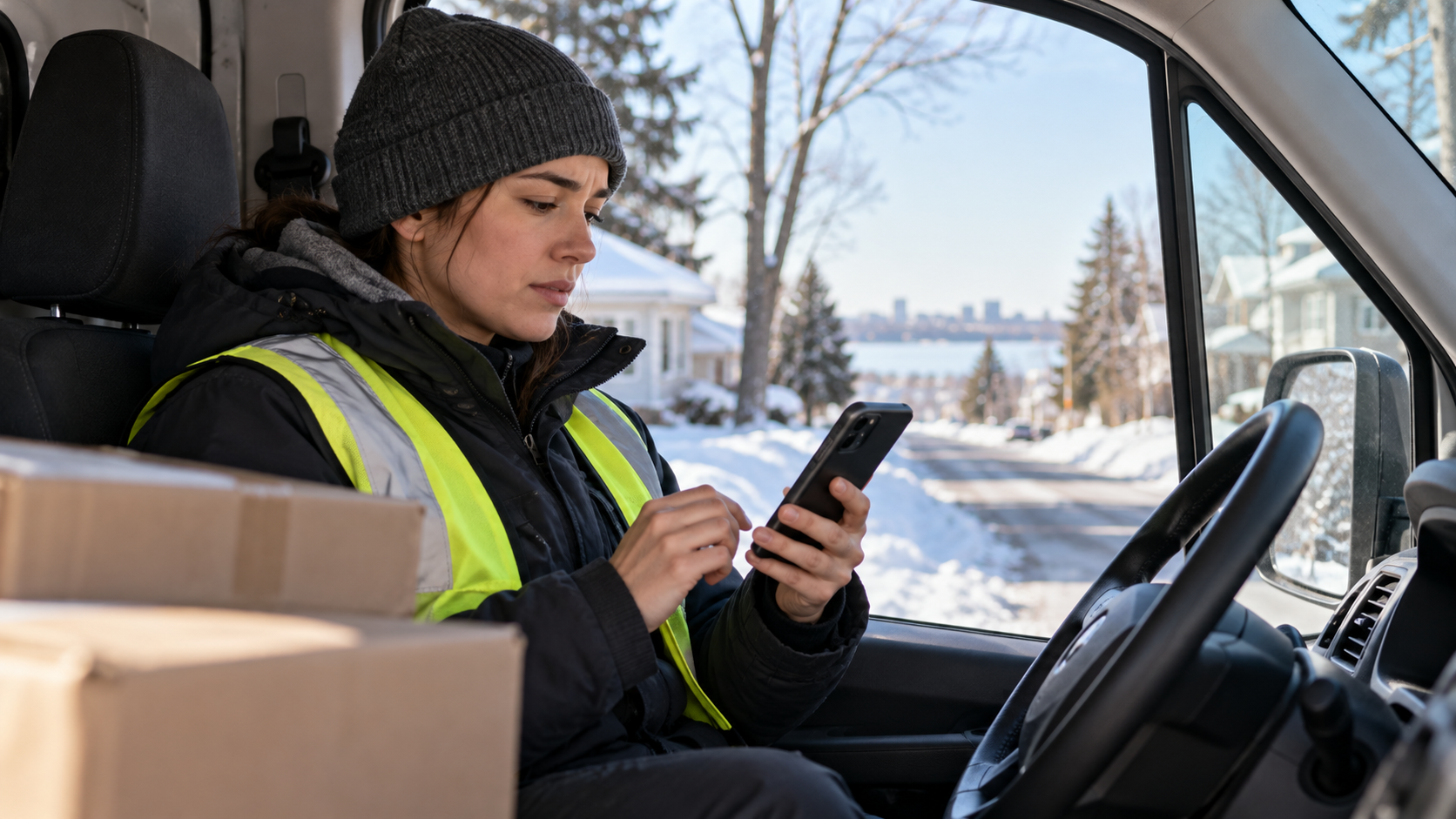
A delivery app stops updating outside a large building. The driver sees a familiar stop card, but the signal indicator has dropped and the last scan still says “pending.” The parcel may already be with the recipient, while the device may or may not have sent its proof. Continuing to the next address as though the route is current can make that uncertainty harder to resolve.
A temporary cellular service loss on a delivery route calls for a parked check of the connection and the current stop's physical and digital state. The driver should identify what the app last confirmed, what remains in the vehicle, and whether an approved offline process applies. When service returns, a pending event must be reconciled before a new write that could conflict with it.
The FCC explains that actual mobile coverage can vary with device, capacity, terrain and other factors. A coverage map cannot promise service at a particular loading dock or stairwell. The driver does not need to diagnose the carrier network; the route decision depends on the connection observed now and the employer's documented workflow.
Park for a delivery app connectivity check
A delivery app connectivity check begins at a legal, safe parked location. NHTSA's distracted-driving guidance advises pulling over and parking before reading or sending messages. Do not refresh route screens, send support messages, or search for signal while driving. The urgency of a delayed scan does not make a moving vehicle a suitable troubleshooting station.
Once parked, note the time, route ID, last confirmed stop, and the app's visible network or sync message. Check whether the device has mobile service at all or only the work app fails to reach its server. Another approved work function may load while one service is unavailable, but the driver should not use an unrelated website as definitive proof that delivery events are reaching the app backend.
Avoid cycling through settings without a plan. A device may show bars but have no usable data connection. A route card may still display because it was previously loaded. The driver can report those observations, preserve the current screen where permitted, and use the app's documented status indicators rather than guessing what “offline” means.
Preserve the item before troubleshooting the screen
Identify where the parcel is. If it is still in the driver's custody, keep it secured under the route procedure. If the recipient has accepted it, preserve the item ID, recipient or authorized location, and handoff time through an approved record. Do not take it back from a recipient solely because the app lacks signal unless the employer's process specifically directs that action.
The physical handoff and app result are separate. A completed delivery can be waiting for a digital record, and an apparent completed card can be stale while the package remains on the vehicle. Check the actual parcel count and the route's last clearly confirmed event. If a proof photo or signature was being entered when service disappeared, treat that event as uncertain until the app or support confirms what reached the destination.
Do not leave another parcel at an unapproved location to avoid delay. A connection problem does not change recipient instructions or building rules. The driver may need to pause new deliveries while the current event is reconciled, or follow a documented offline process if the employer authorizes it for this shipment.
Distinguish no service from an app fault
Look for a pattern in the permitted diagnostics. Is the mobile network indicator absent? Does the app show a server message while other approved services work? Did the app crash or freeze independently of signal? These observations do not require the driver to diagnose hardware or carrier infrastructure. They help the right support team decide what to check.
If the issue is confined to one building or underground area, moving to an authorized safe location with service may restore connectivity. Do not drive around while interacting with the screen or stop where parking is prohibited. If the problem follows the device across locations, it may need device or account support. A temporary cellular outage and an app crash are different incidents even when both stop the route list from updating.
Keep the first failed observation in the report. If service later returns, note where and when. A successful refresh at a new location does not prove that the earlier pending scan was accepted. It only shows that the app can now contact its service and the route history can be checked.
Use only approved connectivity
The nearest café or apartment lobby may offer public Wi-Fi, but it may not be an approved route-data connection. CISA's public-Wi-Fi guidance cautions against sensitive work on public networks. Follow the employer's managed Wi-Fi, VPN, mobile hotspot, or cellular fallback rules. Do not enter work credentials into a captive portal whose identity is uncertain.
An approved network might bring the app online, but connection alone does not reconcile route state. Confirm the account, route, and pending events after the change. If the app requires a sync action, use its documented method. Avoid repeatedly toggling airplane mode, reinstalling the app, or clearing data without support approval; an unsent delivery event may be stored locally.
If no approved network is available, preserve the parcel state and contact the employer through its backup channel if possible. A personal device may be permitted for a call, but that does not automatically make it an authorized place to store customer addresses, photos or signatures. The route owner must decide the next operational step.
Work through a building-basement example
Imagine a driver delivering to a building's lower-level receiving desk. The desk signs for carton 417 under the route process. The app accepts the driver's input locally but shows “waiting to sync” when the driver reaches the basement door. The driver does not scan carton 417 again upstairs or mark the next carton delivered to test service. They retain the handoff time and desk identity under the approved procedure and move to a safe place with coverage.
At street level, the app reconnects. The driver checks whether carton 417 now appears confirmed and whether the proof is attached to the correct route and stop. If the status remains unclear, they contact support before writing another event. If support confirms the first event was accepted, the driver continues with the next actual parcel. If it was not accepted, support directs the authorized correction based on the preserved handoff evidence.
Change one fact: the carton never left the vehicle because the desk was closed. Then there is no physical delivery to reconcile, though the app may still show a pending attempted action. Change another: the app crashes before the driver sees “waiting to sync.” That requires the crash-recovery workflow, not an assumption that cellular service caused the failure. These details are hypothetical; the actual app's persistence and offline rules must be checked.
Do pending scan reconciliation before continuing
pending scan reconciliation identifies the event attempted during the outage, its physical parcel result, and its destination status. The driver should compare the last confirmed delivery, any pending or duplicated tile, and the next assigned item. If the platform displays a queue, read it under its own documentation. Do not assume a badge labeled “1” refers to the most recent parcel without checking.
An in-flight write is uncertain until the destination state is known. A tap may have reached the server even if confirmation never returned to the device. Repeating it can create conflicting history. Preserve the attempt time and item identity, then ask support or use the authorized reconciliation view. No-service is not proof of no-write.
Once the event is resolved, record how it was resolved: first scan accepted after sync, support corrected the record, or the item remained in custody and requires a new attempt. The driver should not rename an uncertain event as a failed delivery merely to clear a queue. A truthful route record lets the next worker know what actually happened.
Report the outage with a useful boundary
Tell dispatch the route ID, device ID, location in general terms, first observed loss time, visible app status, last confirmed stop, and any uncertain handoff. State where the affected parcels are. “No signal at lower loading dock; carton 417 handed to desk, app showed waiting to sync” is more useful than “app broken.”
Ask whether the route may continue under the employer's offline policy, pause until reconnection, or use an approved alternate channel. If support names a backup workflow, confirm its scope for the current items. Some shipments may require a scan or proof method that a generic paper note cannot replace. Do not invent an offline procedure from a coworker's memory.
If the outage spans several stops, keep each item separate. A list of stop IDs and physical outcomes can be stored in the approved work system or support ticket. Avoid placing the entire customer route in a personal notes app. The report should expose only enough information to recover the route accurately.
Protect the route while waiting for service
The driver may need to wait, return to coverage, or meet a supervisor. Keep undelivered parcels secured in the vehicle and do not mark later stops attempted before reaching them. A route schedule may change while the device is offline. A cached list is evidence of what was last downloaded, not proof that no new assignment or cancellation occurred.
If the employer permits offline deliveries, follow the exact item and proof procedure and note which events still await confirmation. This article does not claim every app has safe offline mode. If the policy does not permit offline work for a particular delivery, hold the parcel and request the next route instruction. A delay is easier to explain than an invented proof event.
When service returns, refresh the route through the approved method and compare the assignment with dispatch before continuing. A new stop might have been added during the gap. OG-291 addresses the distinct cached-versus-new-assignment decision; here the key is not to treat the offline view as final until reconciliation is complete.
Test restored service without a live delivery
After the connection indicator returns, use the app's non-mutating readiness view if it has one. A route refresh, status screen, or support-confirmed sync result can show whether the device is communicating. Do not use a real parcel scan as a network test. That would create a delivery event whose physical basis might not exist. The test should read the current route state before any new write is attempted.
Check the work account and route ID again. A sign-in prompt after reconnection may mean the session expired while offline. Complete authentication through the approved method, and do not enter credentials into an unfamiliar network portal. Once signed in, compare the last confirmed stop and next assigned item with the checkpoint recorded during the outage. A connection can be restored while the wrong route or an old account remains on screen.
If the app shows pending events, wait for the documented sync process or ask support how to inspect them. Avoid repeatedly pressing “submit” or “refresh” when the app has already reported an in-flight attempt. A second confirmation screen might refer to a second write rather than the original one. Keep the attempt identity and time visible until the destination state is known.
Only after the route is reconciled should the driver treat the app as ready for the next customer stop. That result is narrower than “service fixed everywhere.” It means this device and route have a known state at this location and time. The driver can still report intermittent coverage so dispatch can plan later stops.
Handle repeated signal gaps as a route pattern
One temporary dead spot may clear when the driver leaves a basement. Repeated gaps across several addresses are a different operational issue. Record where the connection was unavailable, when it returned, and whether the app held or lost any event. Keep the report to relevant general locations and route IDs rather than making a public map of customer addresses. Dispatch may need to check the carrier, device, route sequence, or approved offline plan.
Do not assume that a route is safe for offline work because the first gap produced no visible error. Some stops may require a signature, photo, or real-time authorization that a later stop does not. Check the employer's instructions for each affected service type. If the current route cannot be completed with trustworthy proof under repeated outages, ask for a named next action rather than accumulating uncertain events.
A driver may be tempted to move to a different network whenever signal fades. Each switch can introduce security and sync questions. Use only employer-approved connections. CISA's public-Wi-Fi guidance is a reminder that convenient public access is not automatically suitable for sensitive work. Report the repeated failure so the device owner can choose a durable method.
If service returns between stops, reconcile the queue before the next handoff. Small known batches are easier to verify than a whole afternoon of pending scans. That sequencing may slow the route, but it keeps uncertainty bounded to the actual events rather than spreading it into later deliveries.
Give the next worker an exact connection handoff
An outage may outlast the driver's shift or require a replacement device. The next worker needs the route ID, device ID, last confirmed stop, every uncertain event, physical location of undelivered parcels, and the connection methods already tried. “No service” is insufficient if the driver completed a physical handoff during the gap. State that handoff separately and identify its pending digital status.
If a supervisor takes over, confirm who owns reconciliation before the new worker enters more delivery events. Do not treat the transfer itself as proof that the old device's queue was empty. A later sync could send an event after a replacement unit has already written another. The employer's route system must establish which attempts are accepted and how any duplicates are handled.
Preserve the original outage observation and the eventual result. A support ticket can say “carton 417 handed to desk at 14:10; app queued proof; support confirmed acceptance at 14:23.” If acceptance remains unknown, say that plainly and leave a named owner and next check. The final shift handoff should not convert uncertainty into a failed scan because the driver is going home.
The same record helps if a customer later asks where the parcel went. The physical receipt, digital status, and support resolution can be read together. A vague memory that the signal was bad at the building cannot answer a specific delivery question, but an item-bound account of the outage can.
Close the connection incident on observed state
The incident record should say when service dropped, what the app displayed, which physical handoffs occurred, what connection method restored access, how pending events were resolved, and where the route resumed. If service remains intermittent, tell the route owner rather than declaring recovery from one successful refresh. The next stop may have different coverage.
Drivers comparing delivery roles can use the Saint Paul delivery driver Careers hub and published delivery job-offer review guide to ask what connectivity and support procedures are available. On a live route, park, keep the parcels accounted for, use an approved connection, and verify each uncertain event before another destination write. A restored signal is useful only when the route record again matches the delivery.